 All apps
 iOS
 Android


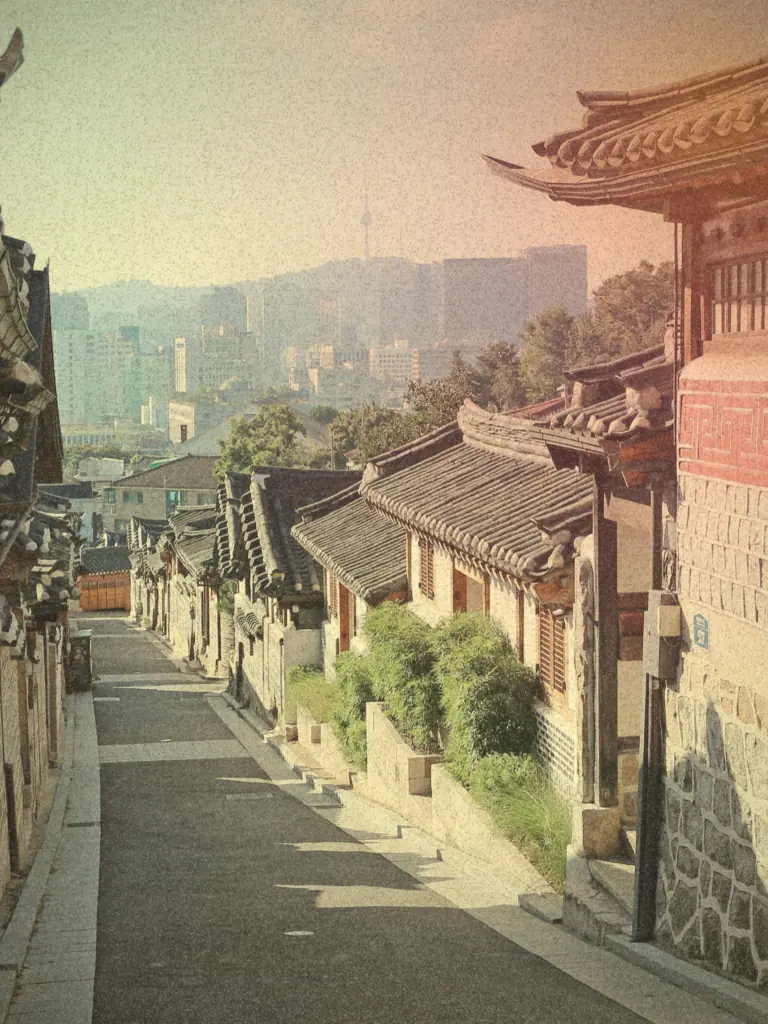
Light leaks and grain
Light seeping in at the edge of the film, and a fine grain. Both deepen as the intensity rises.
RetroSeoulA film-inspired filter camera
Euljiro’s fluorescent glow, a Han River sunset, faded color from the late ’80s. Twenty filters inspired by Seoul’s neighborhoods and classic film turn today into an old memory.
RETROSEOUL · OVERVIEW
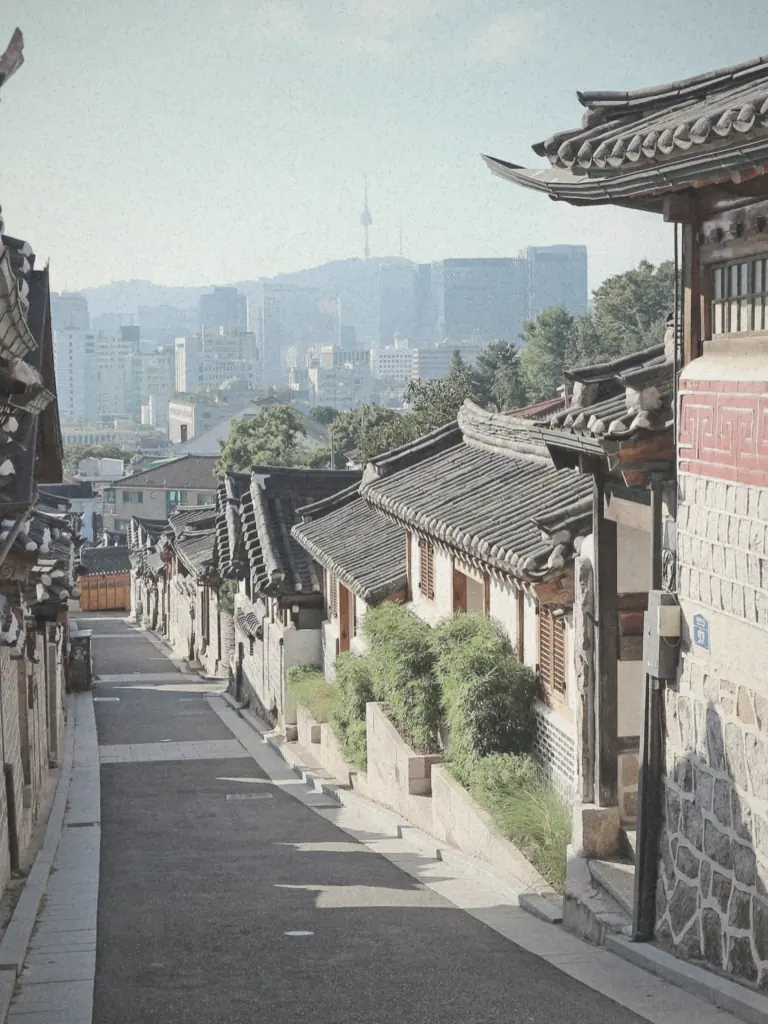
From the fluorescent glow of Euljiro’s printing alleys to a Jongno movie-palace screen. Seoul’s scenes and classic film looks, made into twenty filters. Shoot with a live filter, or give a photo from your library a new color.
01 — THE DARKROOM
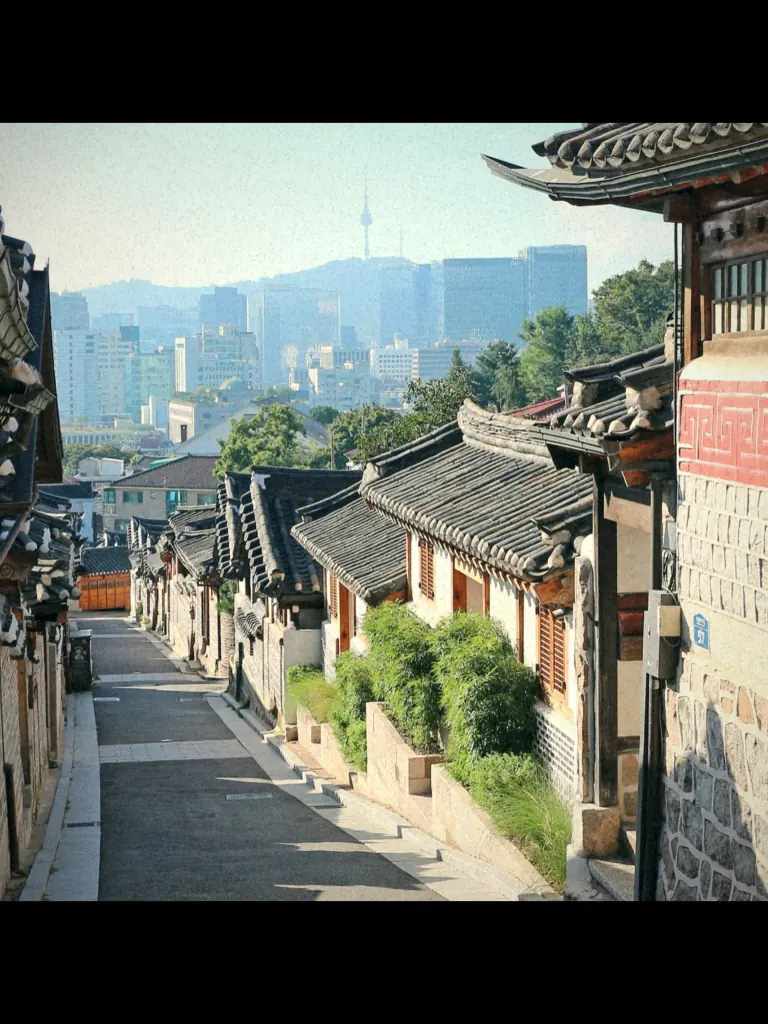
This is the Bukchon photo you see when the app first opens. Pick a filter and move the intensity. Press and hold the photo to see the original.
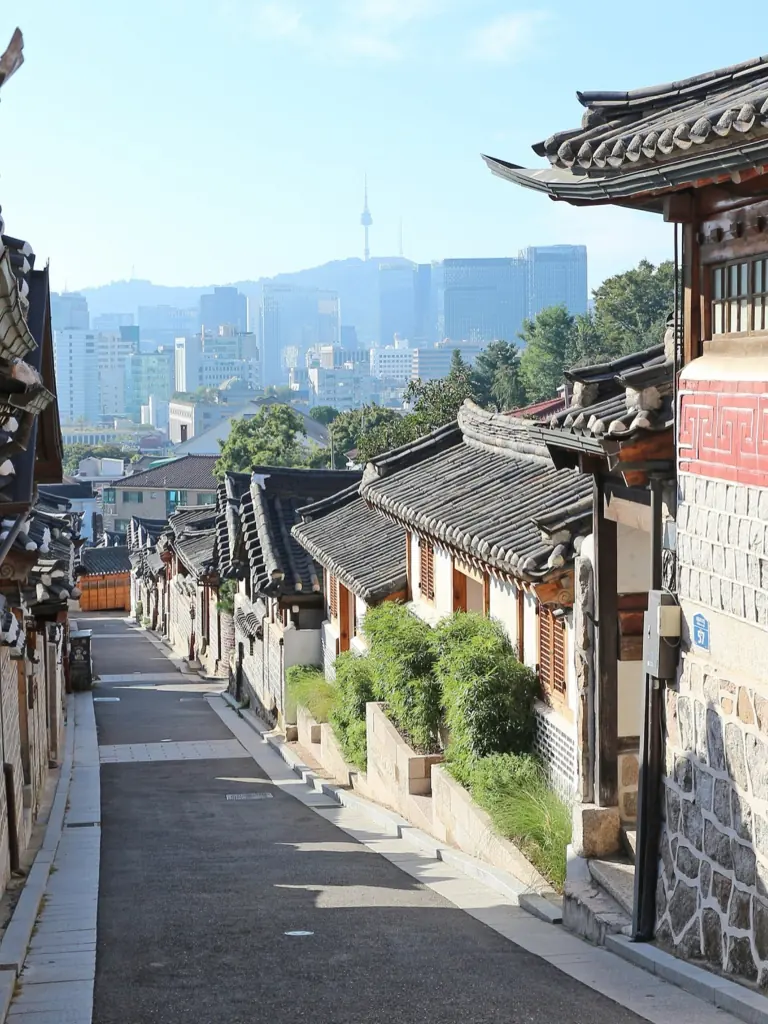
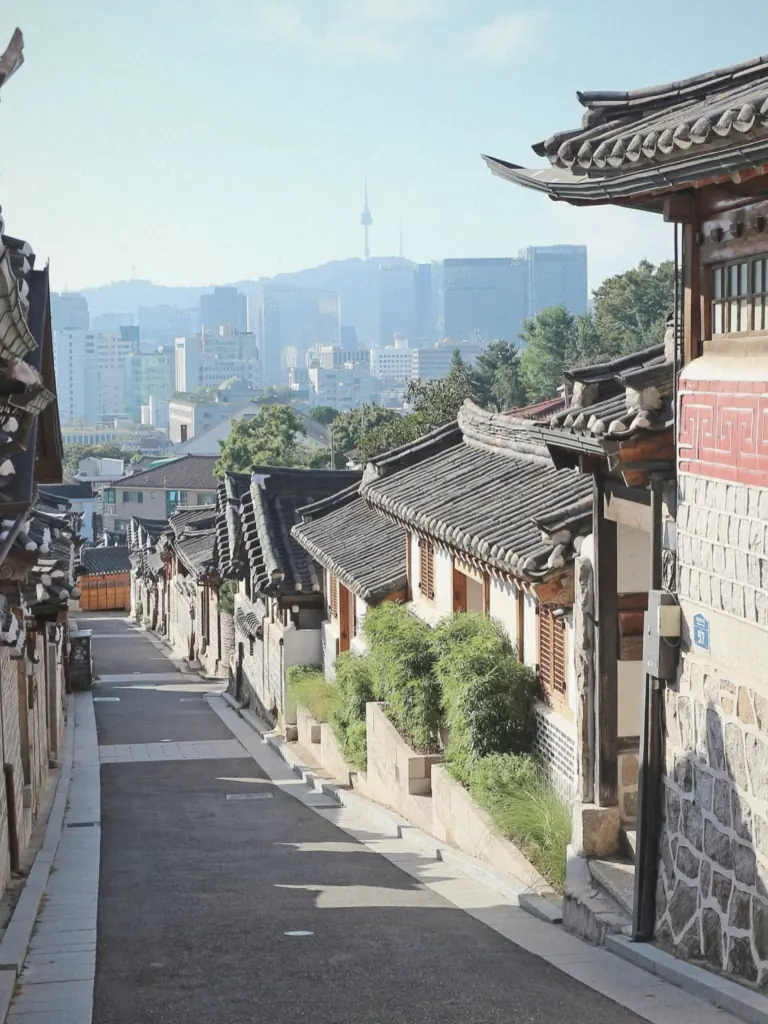
A web preview that blends results rendered by the app at intensity 0, 50, and 100. The app calculates every intensity live.
Turn on JavaScript to switch filters and intensity. All twenty filters are shown below.
02 — 20 FILTERS
Seoul filters capture the light and color of each neighborhood. Film filters bring back the texture of old cameras and prints.
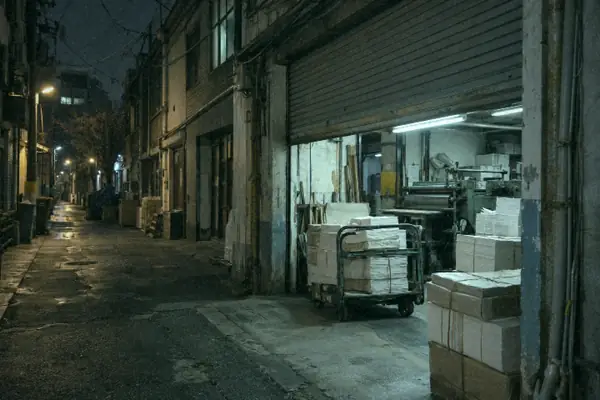
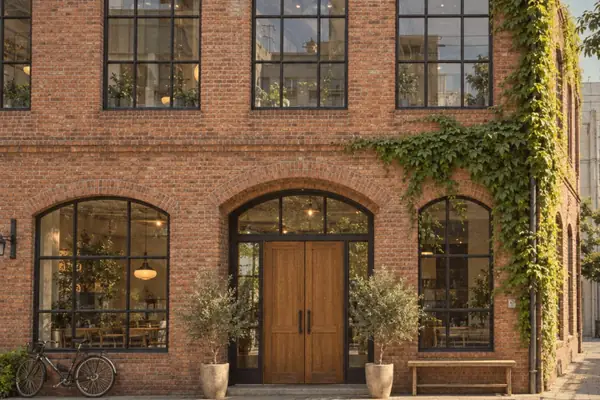
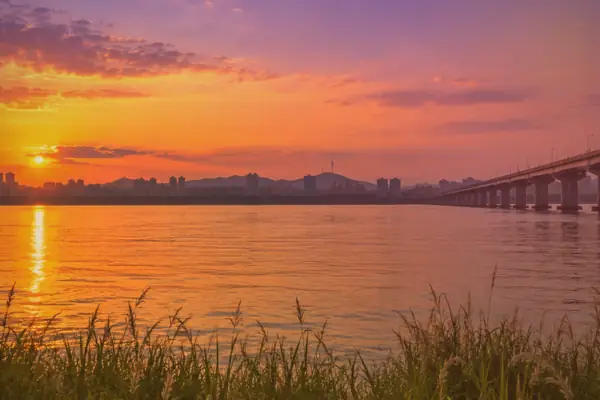
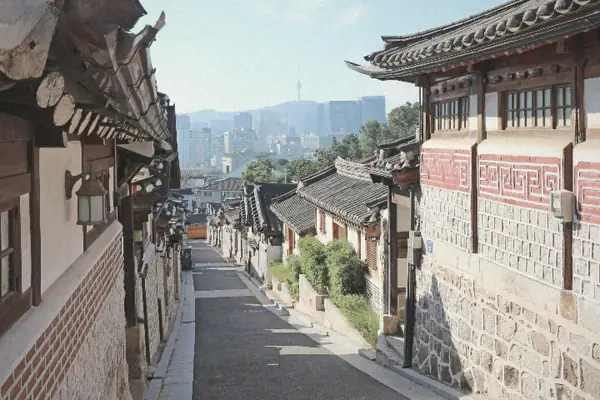
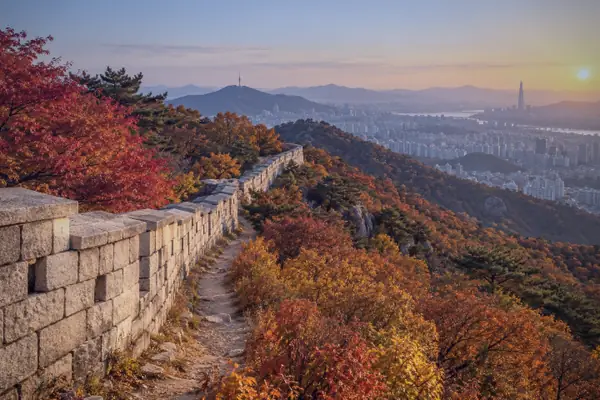
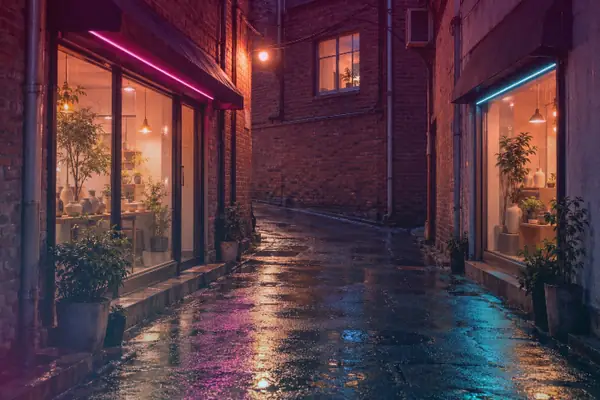

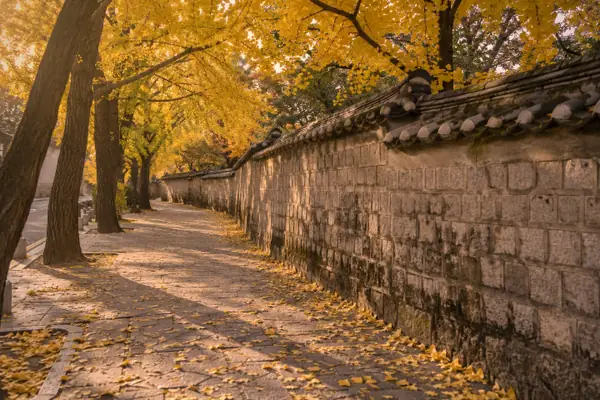
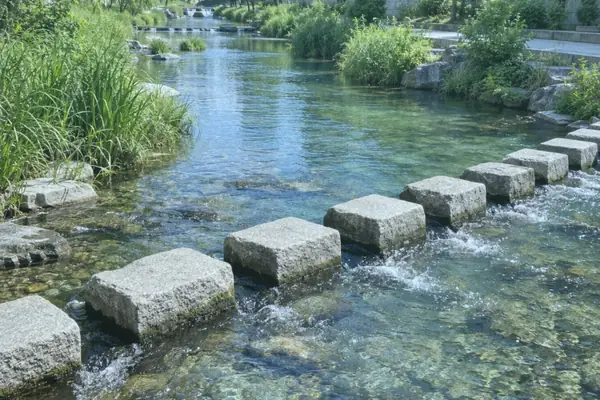
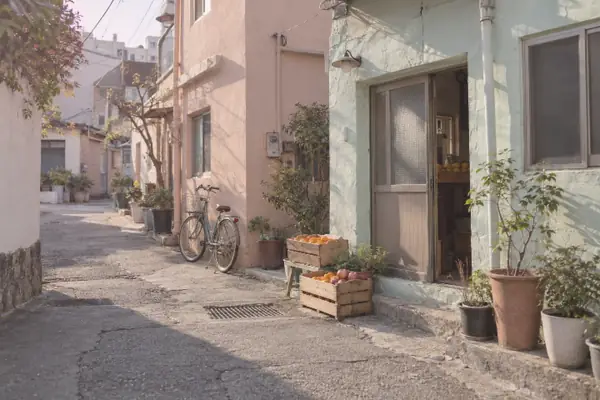
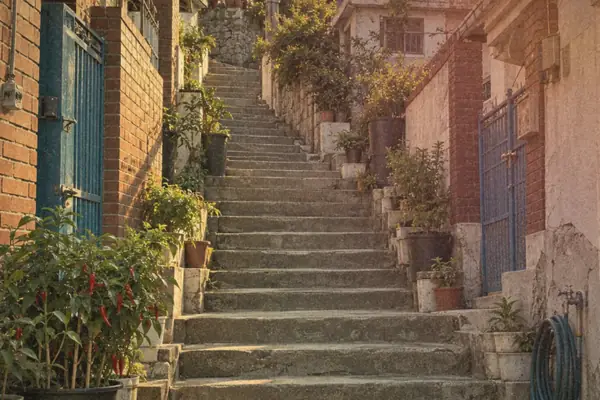
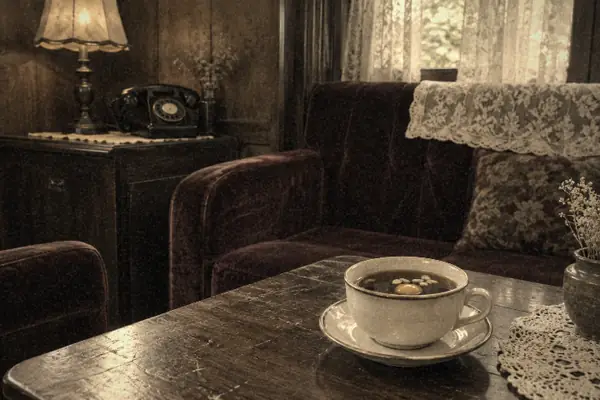
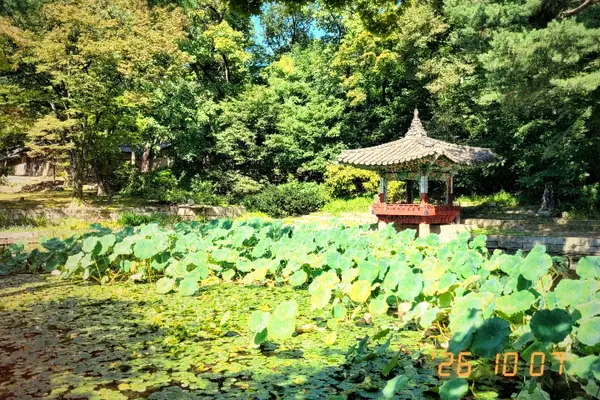
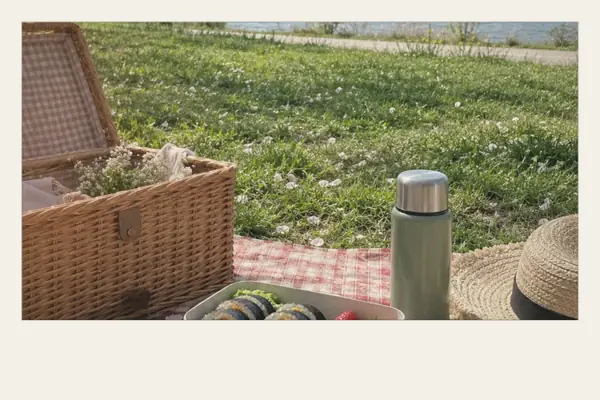
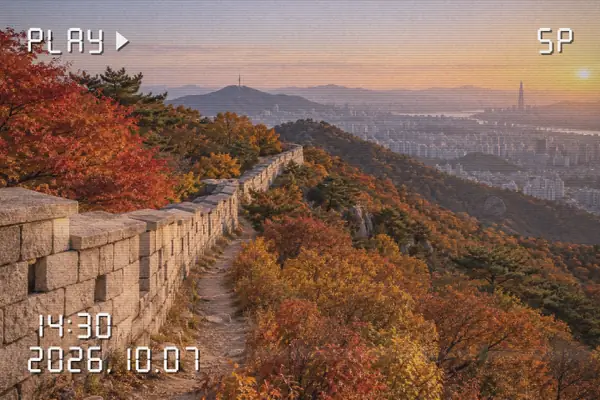
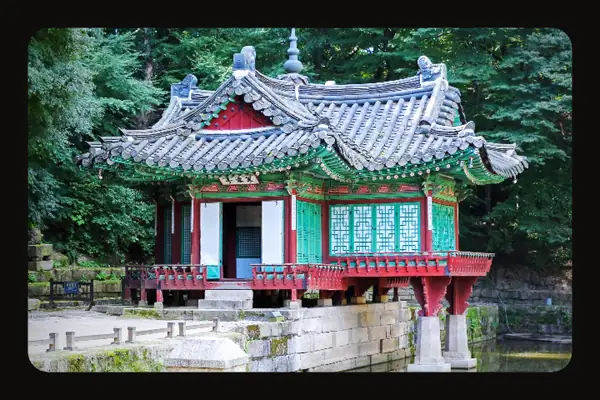
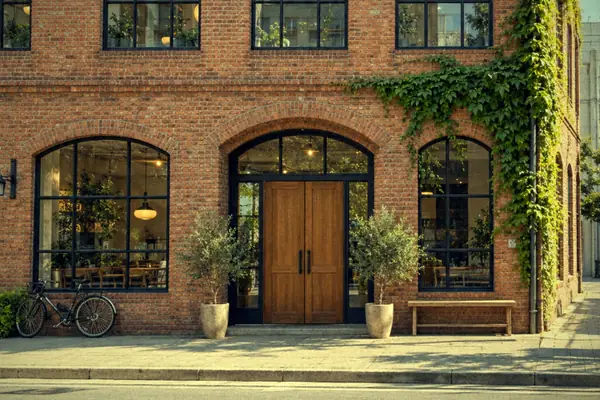
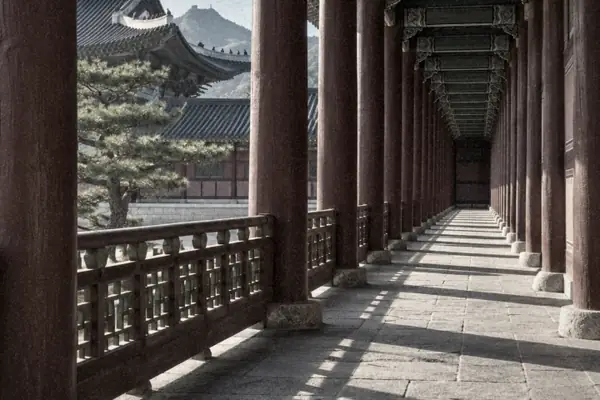
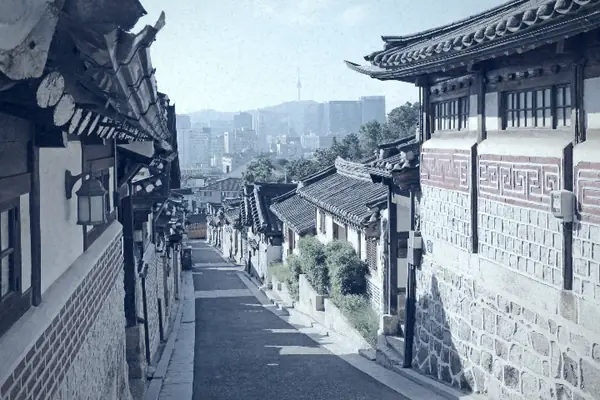
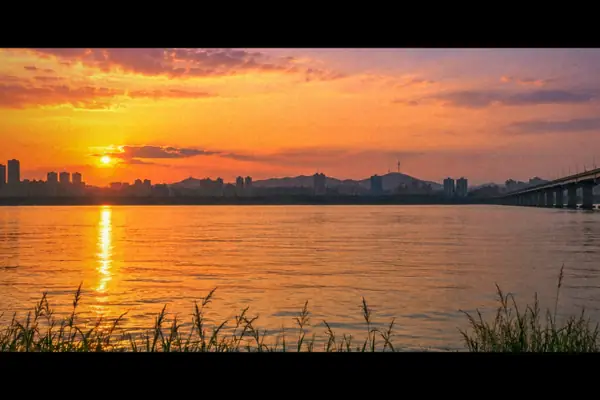
Rendered by the app at intensity 70
03 — FILM DETAILS
Light leaks, grain, and vignettes, plus date stamps and frames. Effects are drawn to scale, so the preview matches the saved photo.
Light seeping in at the edge of the film, and a fine grain. Both deepen as the intensity rises.
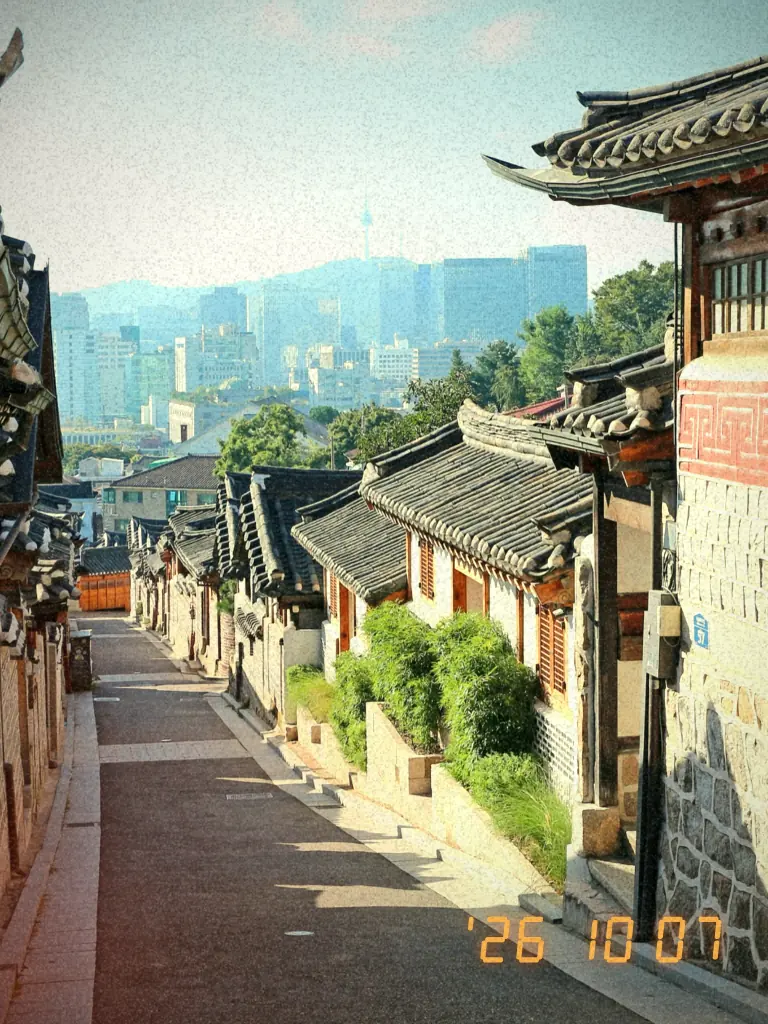
The date, in orange digits. They are drawn as seven-segment shapes, so they look the same on every device.
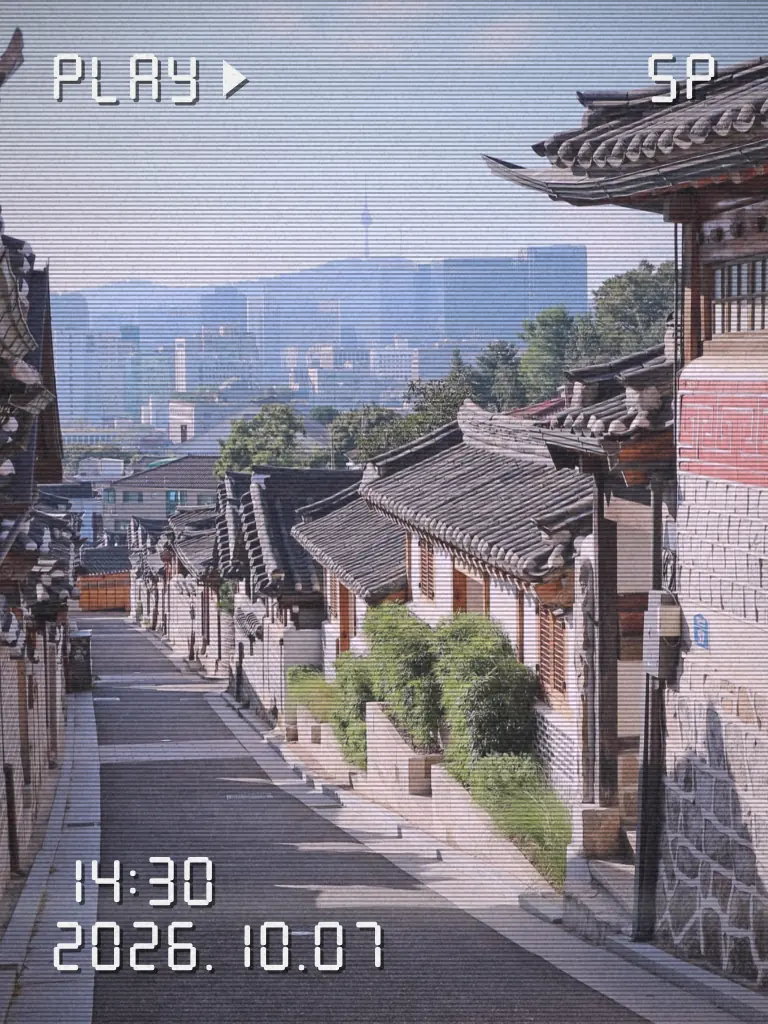
PLAY ▶, the time, the date, and scan lines. Like a still from the family trip tapes.
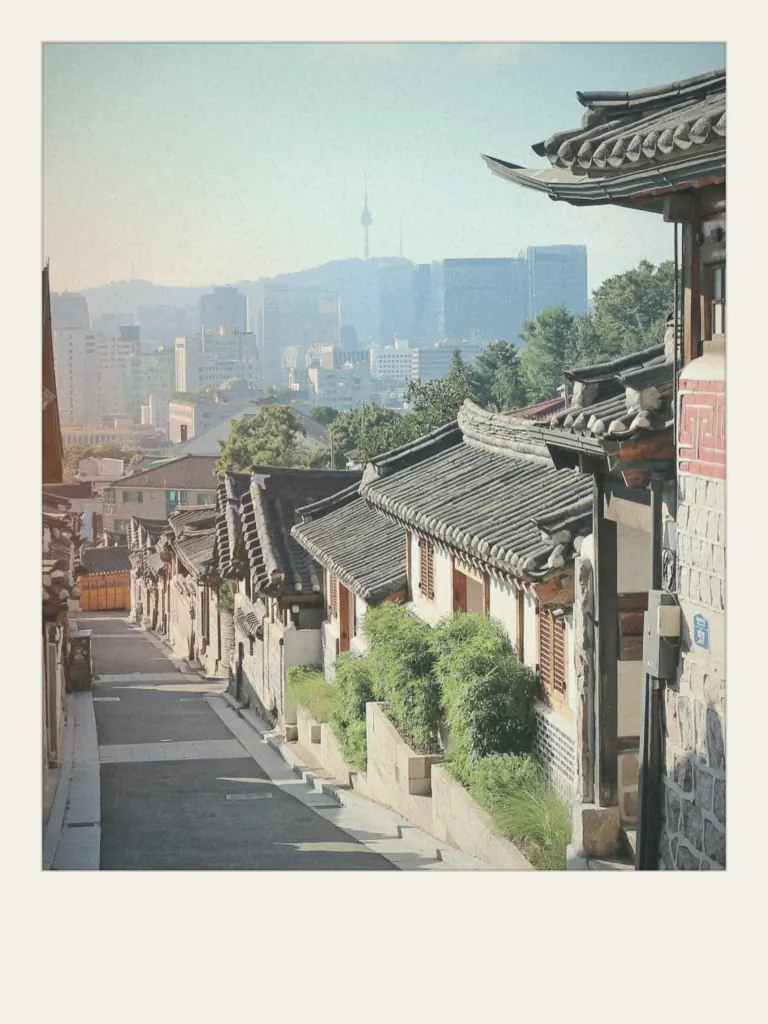
A cream border, a little wider at the bottom.
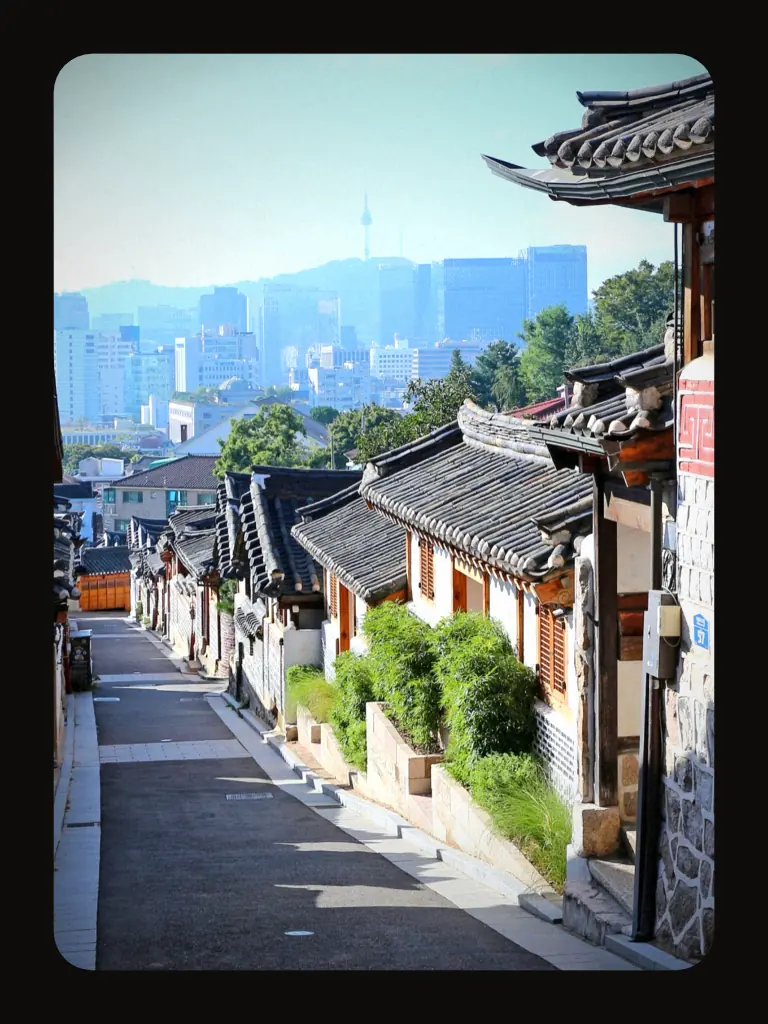
Vivid reversal color, set in a rounded slide mount.
Black bars with teal and orange, like a scene on a Jongno movie-palace screen.
Close-ups of results rendered by the app at intensity 100. Hover to see the whole photo.
04 — SHOOT. PICK. KEEP.
Tap the camera button to see the filter live as you shoot. The preview fills the screen, and the shot keeps what was on it. Switch between the front and back cameras, or bring in a photo from your library.
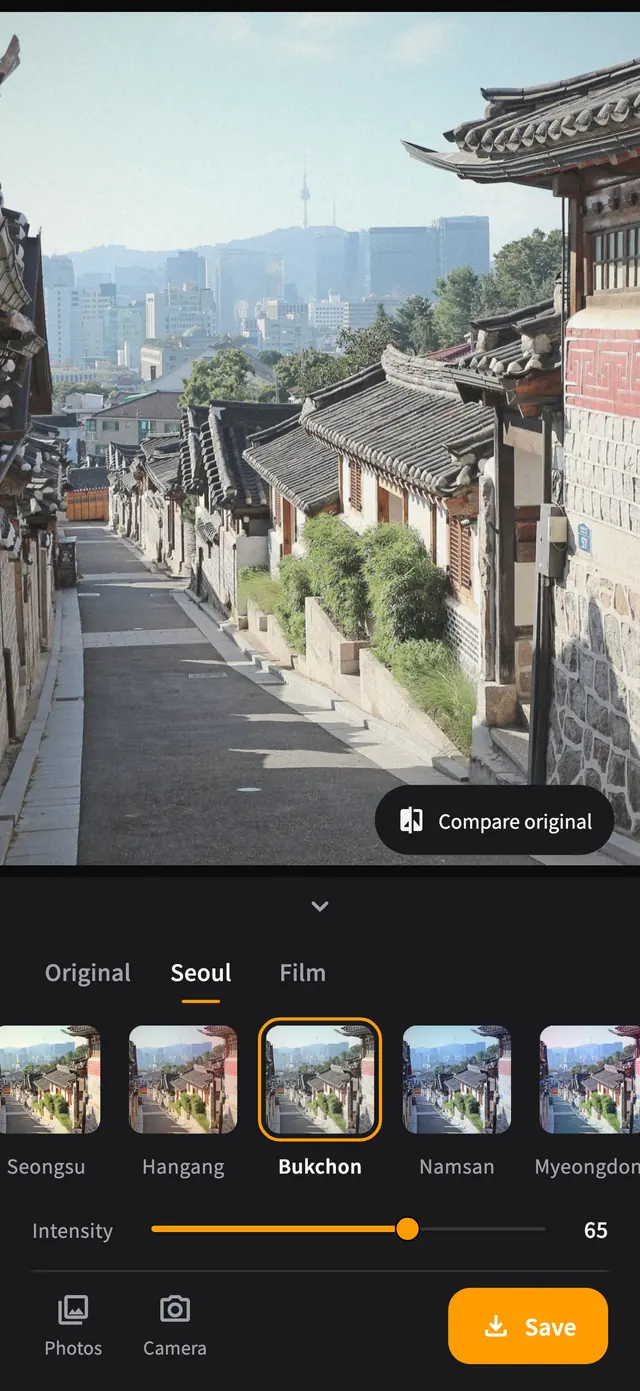
Switch tabs to choose from 10 Seoul filters and 10 film looks. Pick one and its name and a short line briefly appear on the photo. Tap the handle under the photo to fold the filter panel away and see the photo larger.
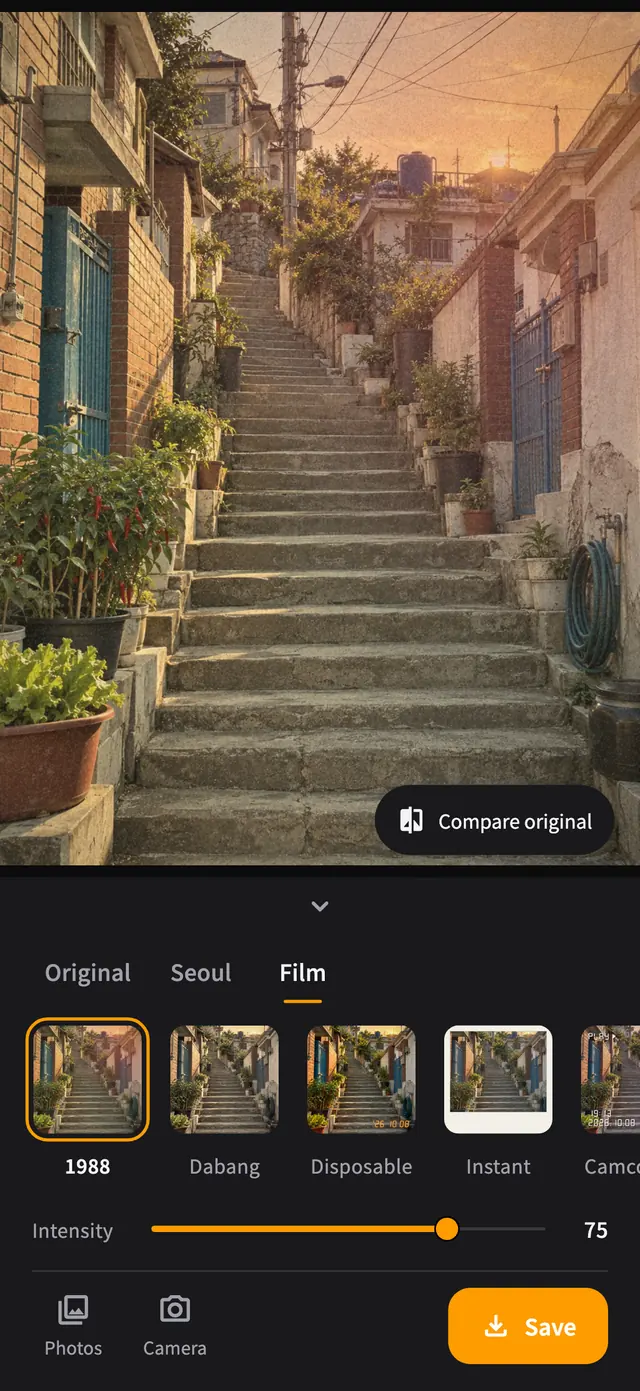
Set the strength from 0 to 100 with the slider. It starts at 50 and can be set separately for each filter.
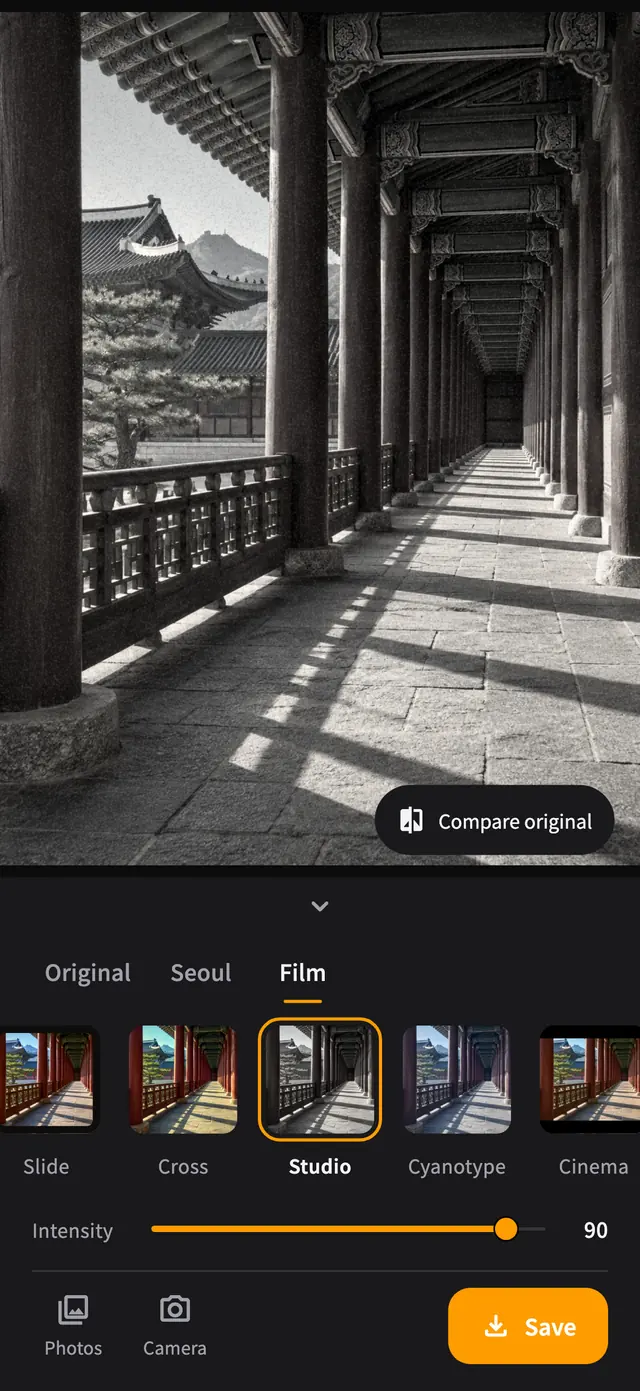
Press and hold the photo to see the original; let go to bring the filter back. Or tap Compare original to keep the comparison on.
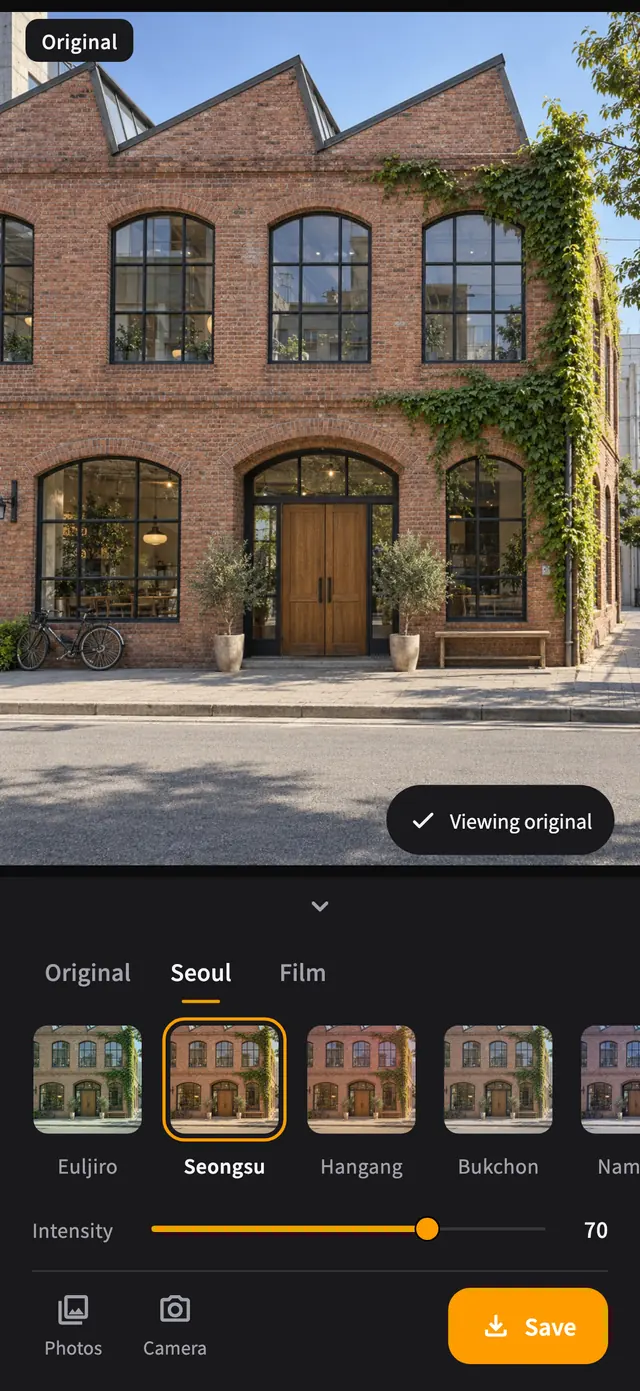
Tap Save to add a JPEG to Photos, up to 4096 px on the long edge, with the filter and effects exactly as shown.
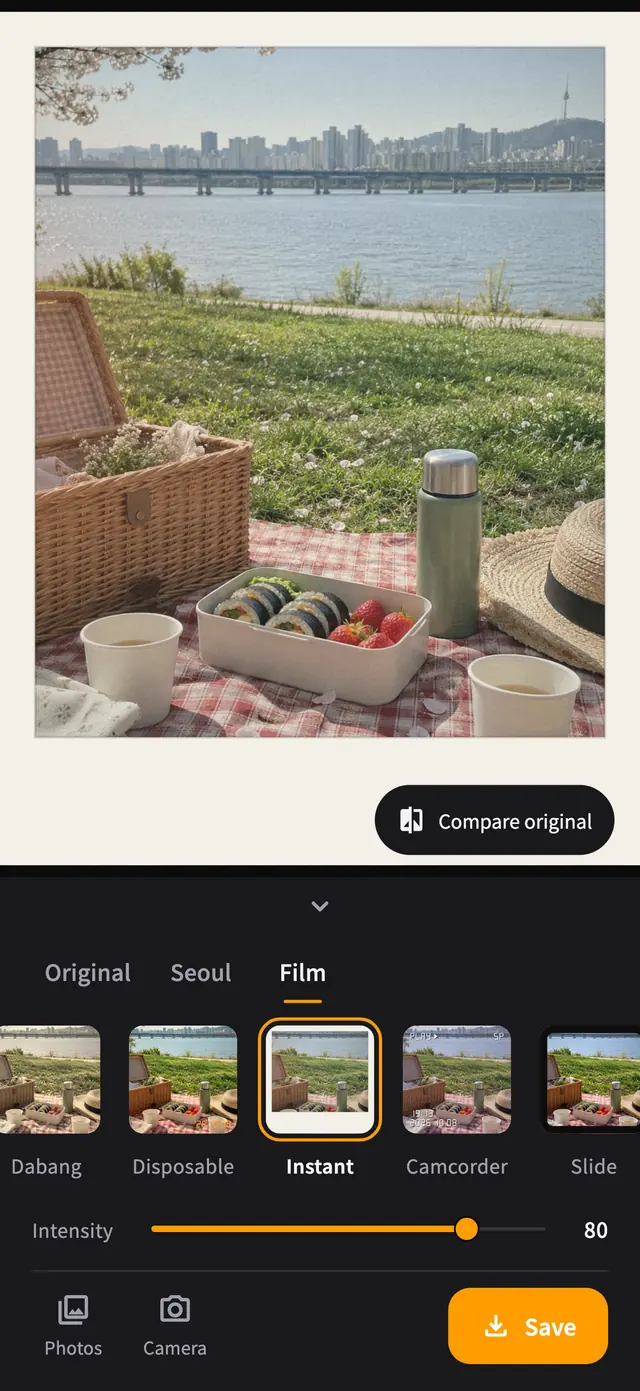
App screens: the app’s real editor, captured with the same photos as its store images.
05 — GET STARTED
The app opens with a photo of Bukchon Hanok Village, so you can try filters and intensity before granting any permission.
Camera access is requested when you tap the camera button. From your library, only the photo you pick is opened.
Saving asks for permission to add photos and creates a new filtered photo. Your original stays untouched.
iOS · Android
No. Shooting, filtering, and saving all happen on your device, so every feature works offline.
No. Originals in your library stay as they are, and the filtered photo is saved as a new one. Photos taken with the camera are saved only when you tap Save, with the filter applied.
The JPEG the app creates does not carry over metadata from the original, such as location. Filters with a date stamp show the date of saving on the photo.
No. The app never records sound, so it does not ask for microphone access.
Yes. The preview and the saved photo use the same drawing process, so the effects you see are what you keep. When you shoot with the camera, the photo keeps just the part of the full-screen preview you saw. Grain is scattered fresh for each save, so particles may land in slightly different places.
The photos in the filter previews and app screens are CC0 photos and AI-generated images made from text alone. The AI-generated images are not photos of real places.
YOUR PHOTOS, EXPLAINED
Photos are processed on your device. No account, no ads, and nothing is uploaded.
LET’S SAY HELLO
An app idea, a question, or something that could be better.
I’d love to hear from you.