
 All apps
Bitgoeul GwangjuA light-filter camera
Where the lightsin your photo bloom.
A filter camera that finds the bright spots in your photo, from street lamps and neon to sunlight on rippling water, and lets their light bloom. Shape 24 filters inspired by the light, style and taste of Gwangju with two sliders: intensity and glow.
 iOS
 Android


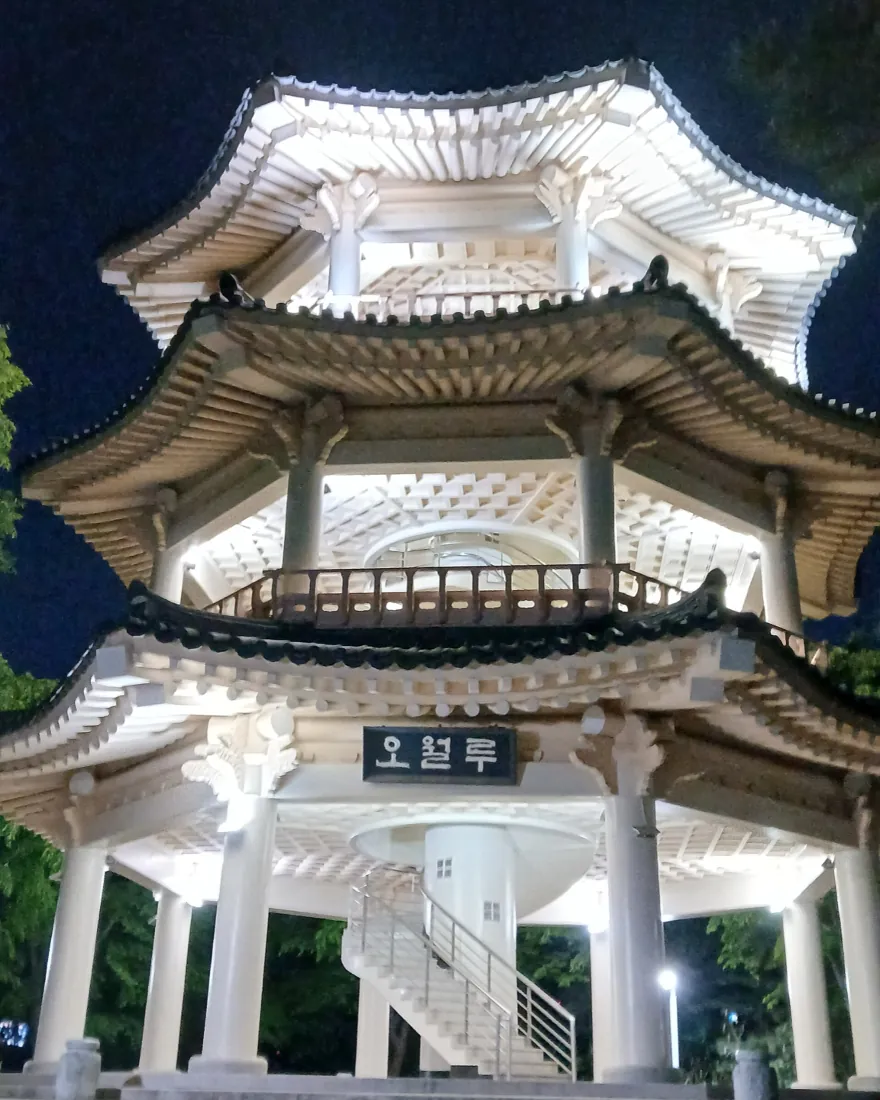
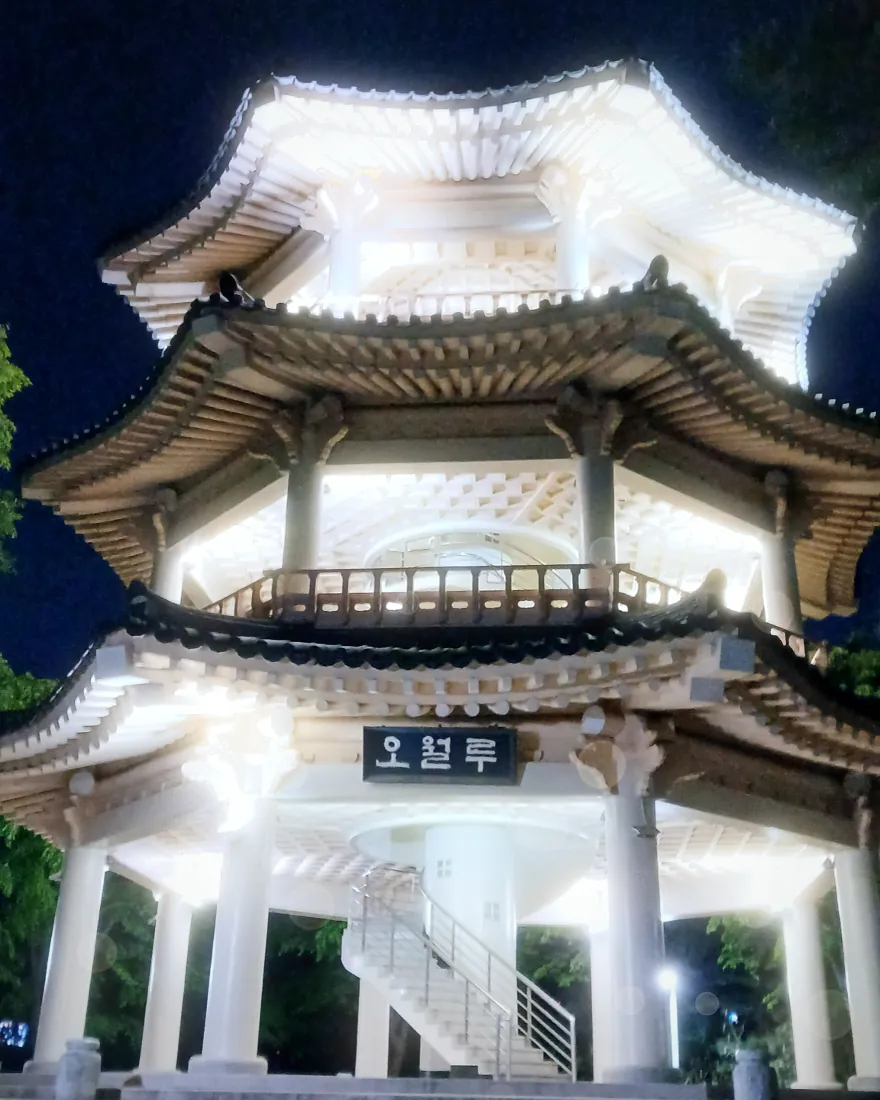
BITGOEUL GWANGJU · OVERVIEW
The light, style and taste
of Gwangju, in 24 filters.
Sunrise over Mudeungsan, Chungjang-ro neon, the red brick of Yangnim and the gloss on tteokgalbi. Scenes of Gwangju, the “village of light”, became 8 light, 8 style and 8 taste filters. A light engine finds the bright spots in your photo and lets them bloom, so lamps, neon, the sun and rippling water are what glow.
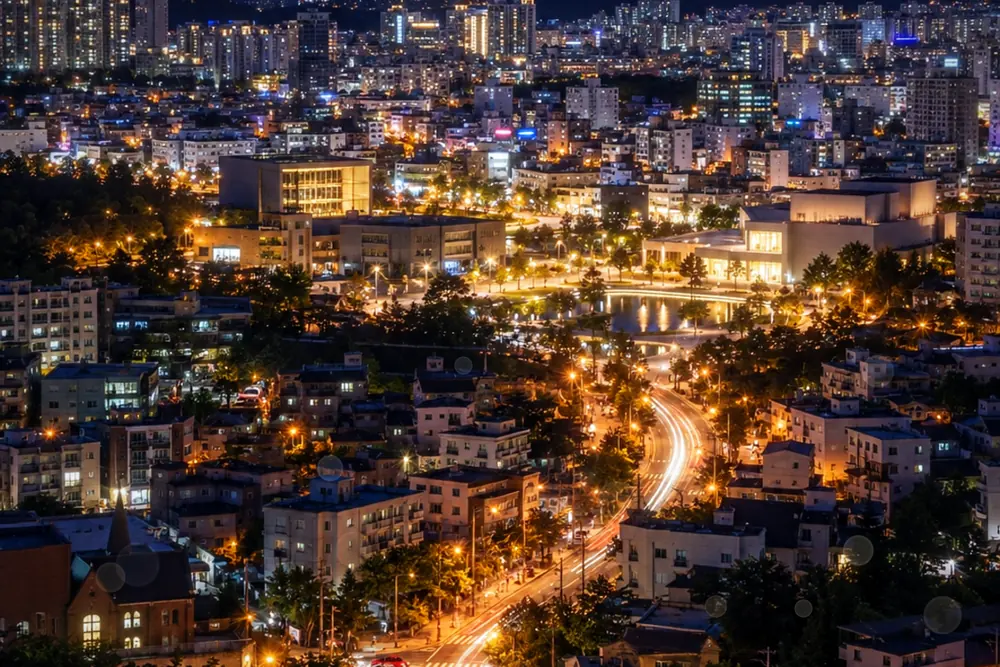 Light8From sunrise to neon, the light of each hour
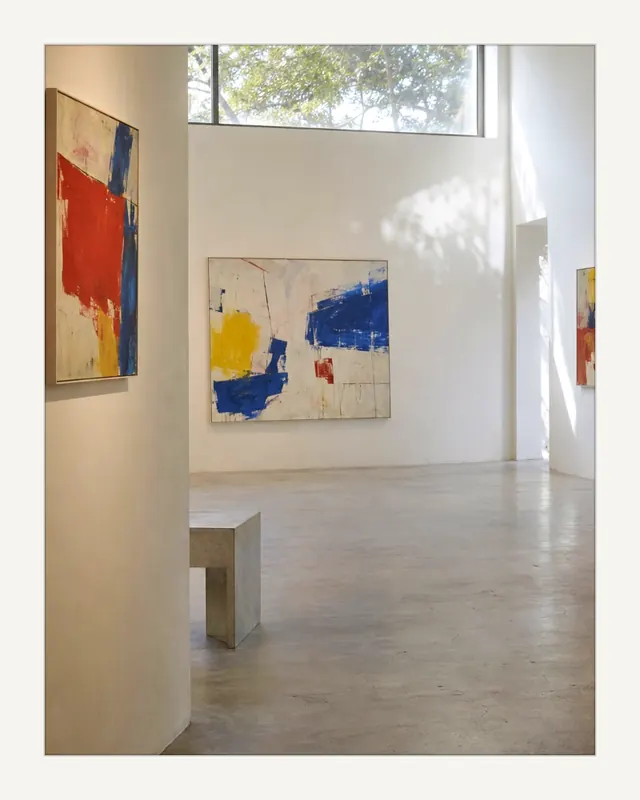 Style8Ink bleed, white frames, prism and more
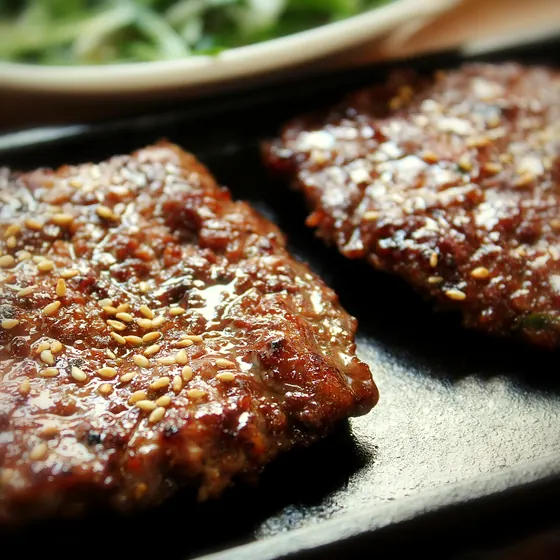 Taste8Food photos kept sharp in the middle
- Filters
- 248 light · 8 style · 8 taste
- Sliders
- 2Intensity and glow, per filter
- Pixels
- 4096Longest saved edge
- Uploads
- 0No account. No ads.
01 — A DAY IN THE VILLAGE OF LIGHT
From dawn to night,
eight light filters.
The light filters follow the hours of a day. Scroll on and the sun sets into night. Where the band of light has passed, the filter is on.
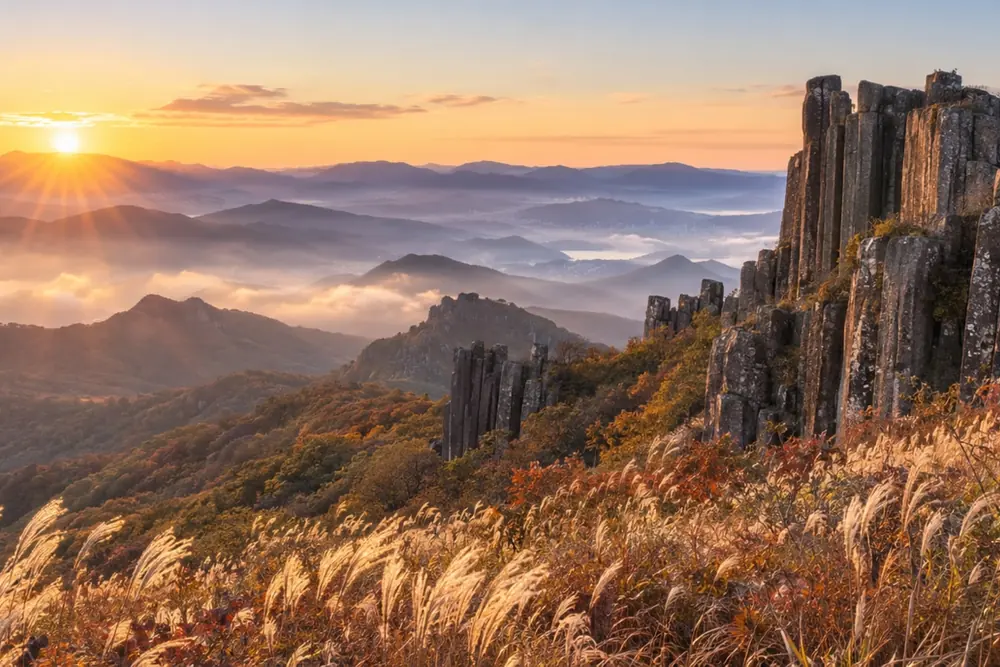
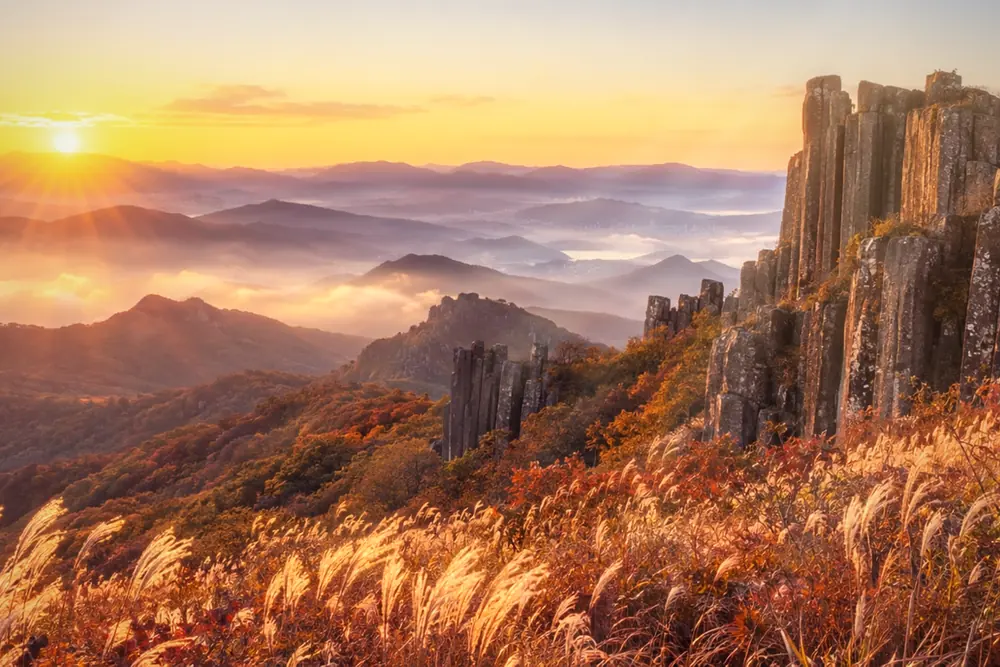 SeoseokdaeSunrise spilling over Mudeungsan’s stone columns
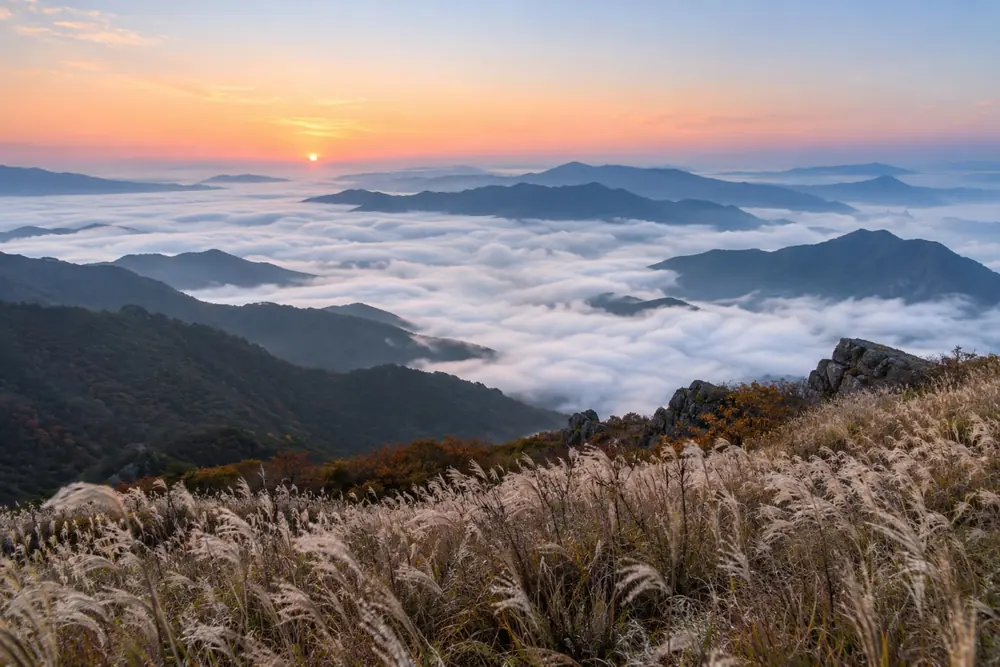
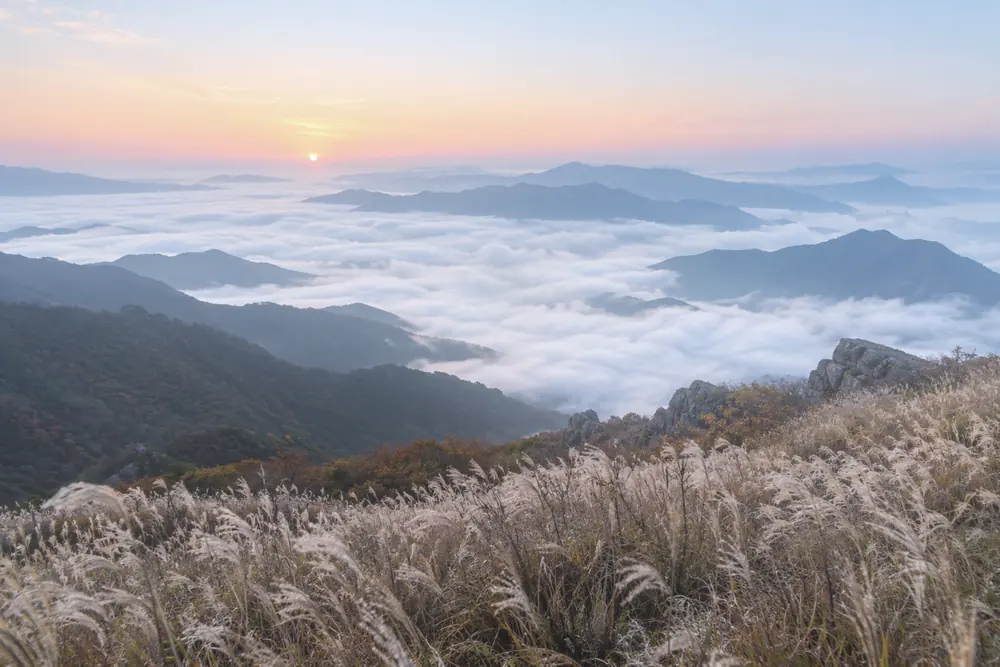 Sea of CloudsDawn clouds pooling below the Mudeungsan ridge
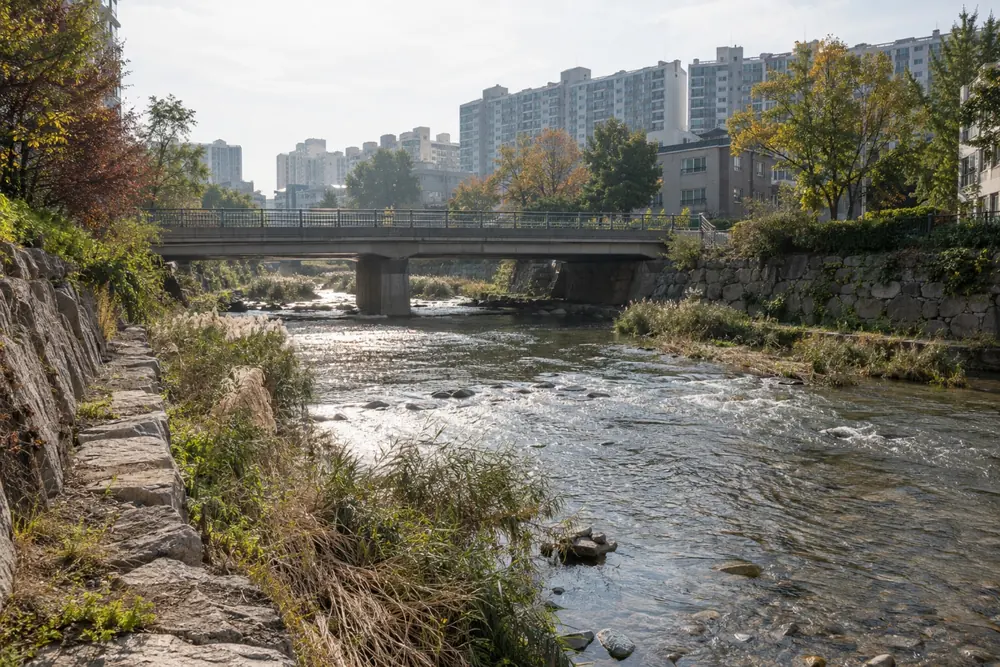
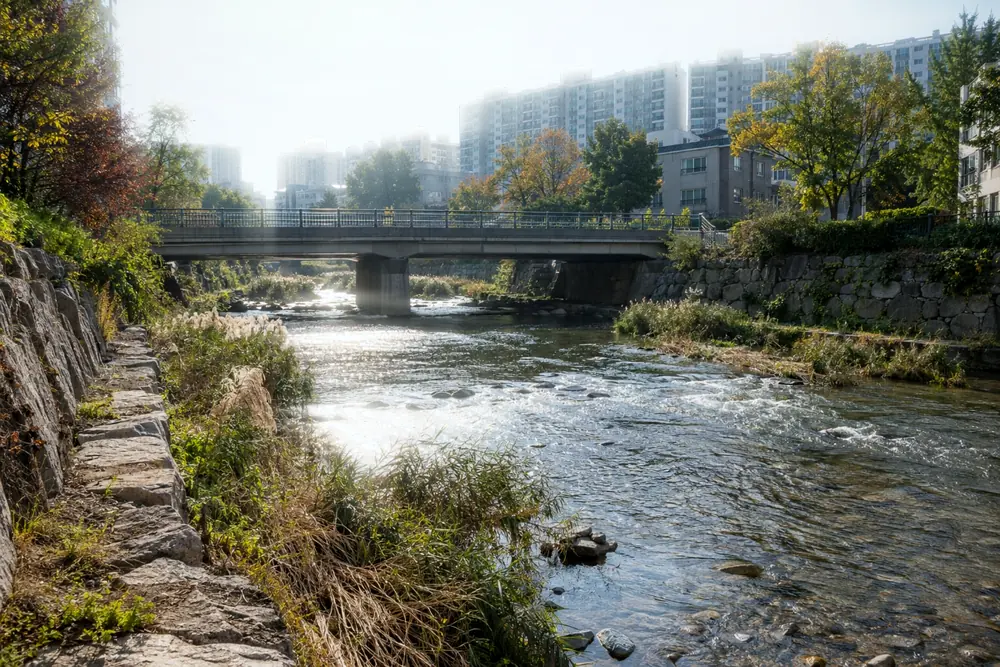 YunseulSunlight breaking on the ripples of Gwangjucheon
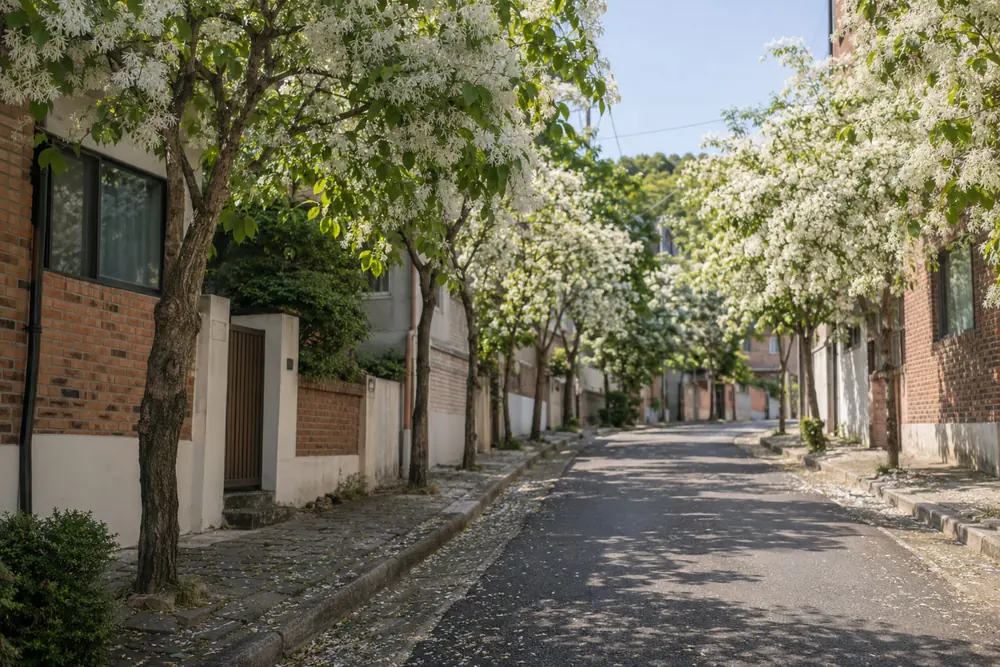
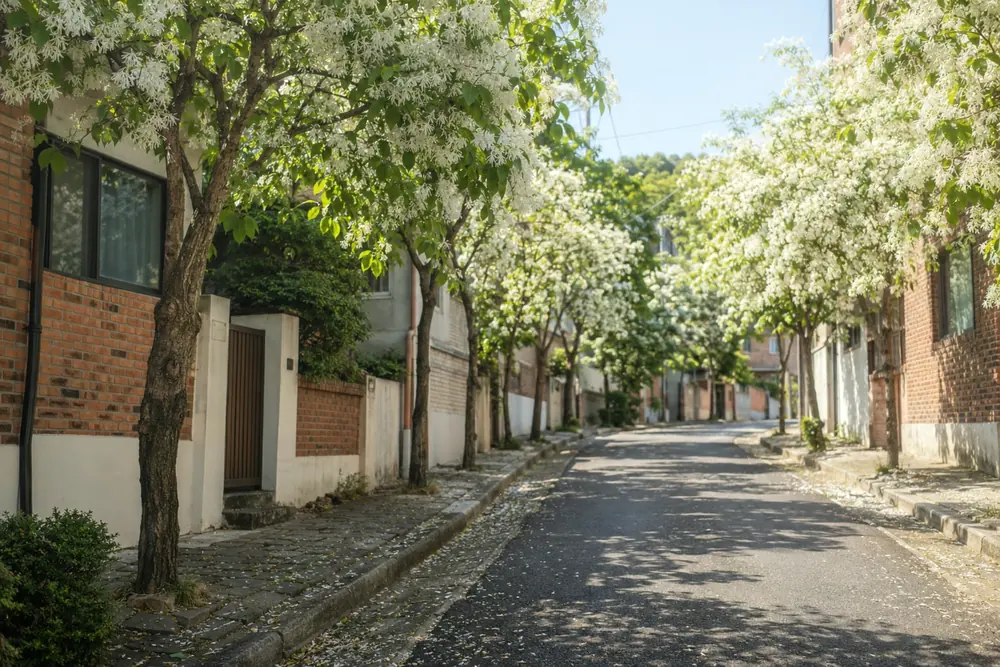 MayGwangju in May, fringe trees in white bloom
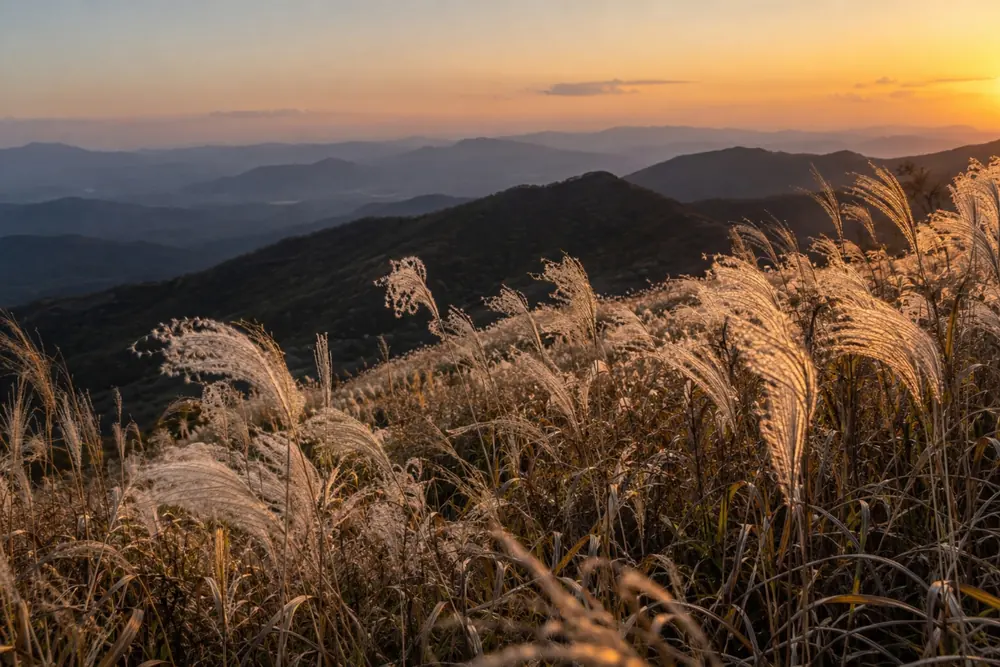
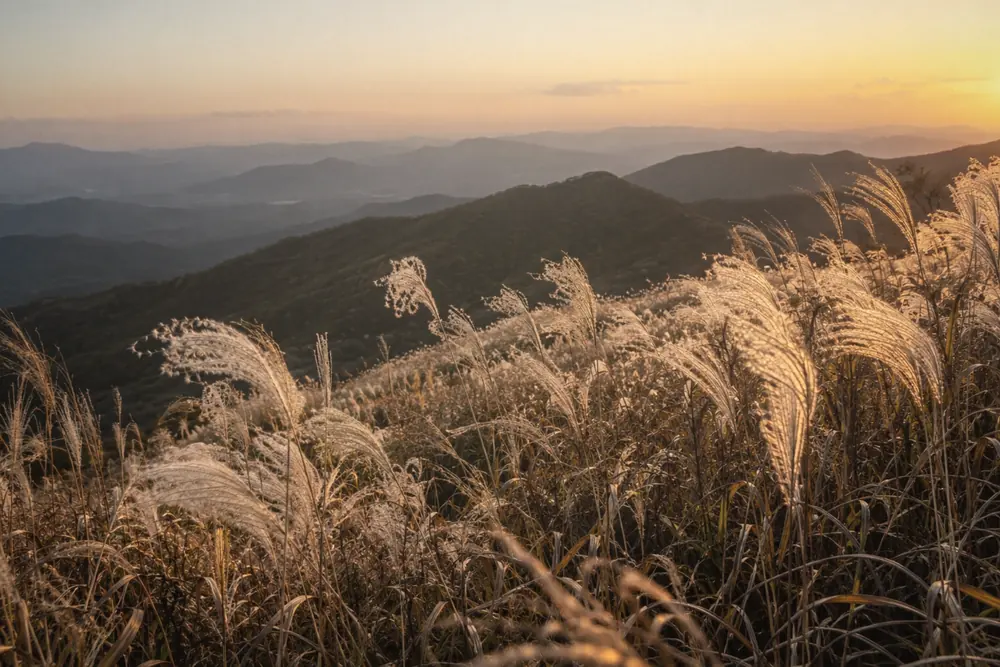 Silver GrassBacklit silver grass along the Mudeungsan ridge
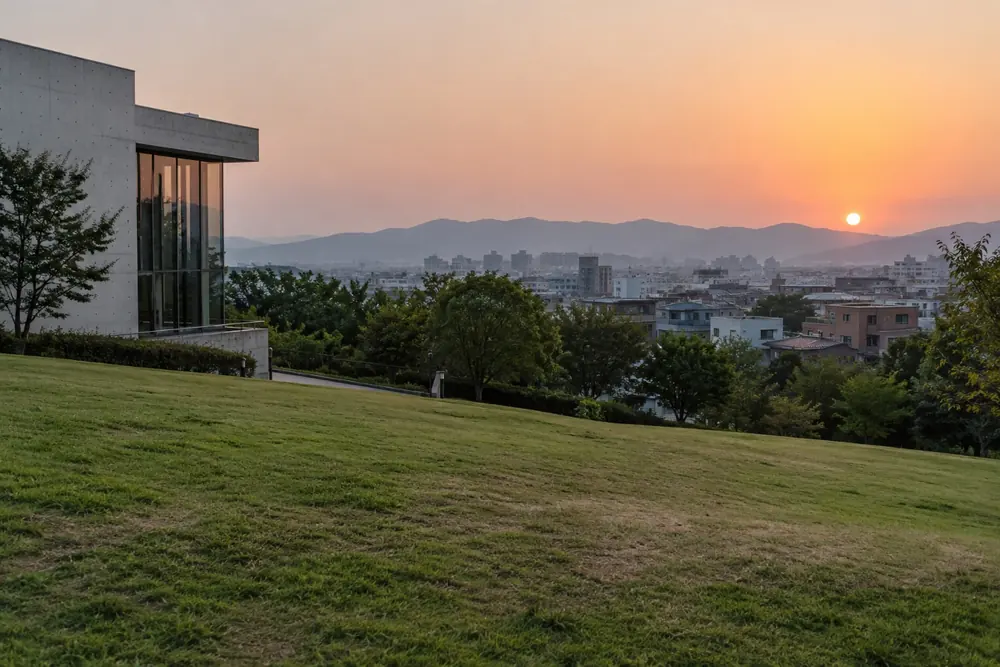
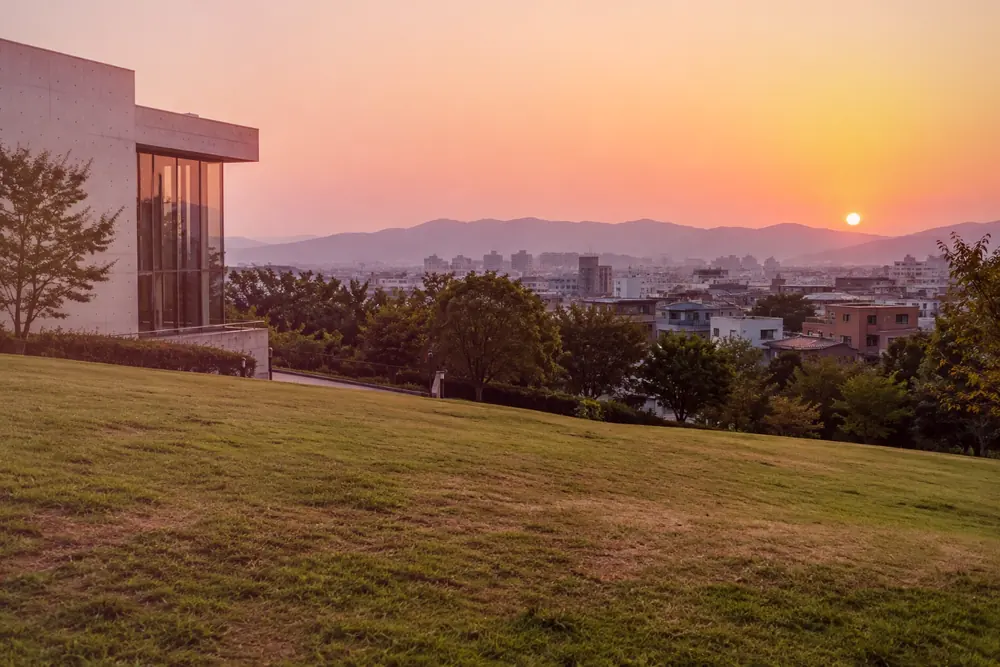 Haneul MadangSunset settling on the downtown grass hill
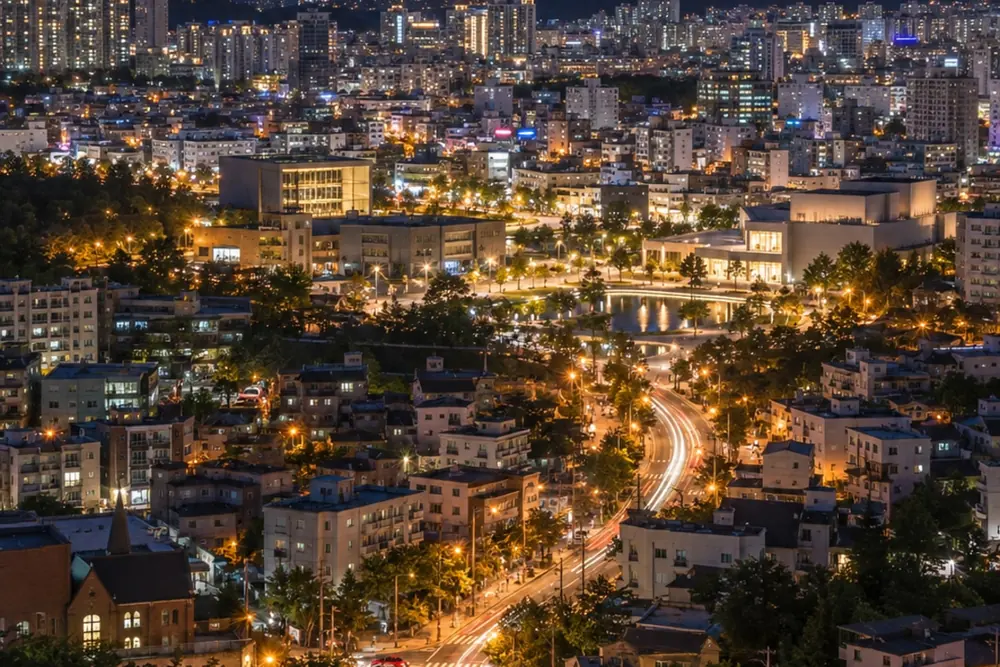 SajikGwangju at night from the Sajik Park tower
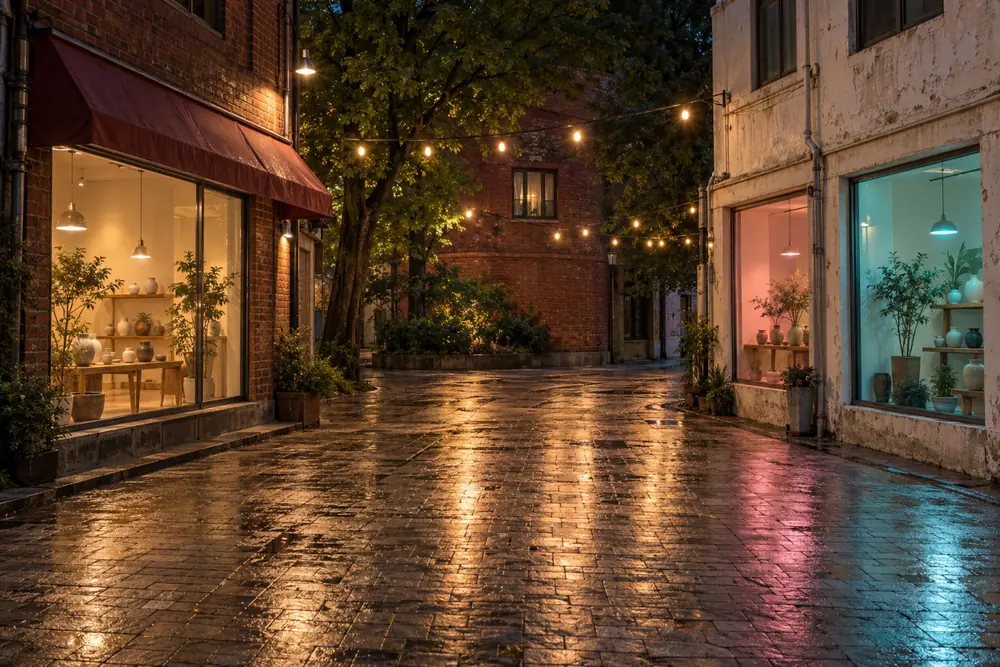
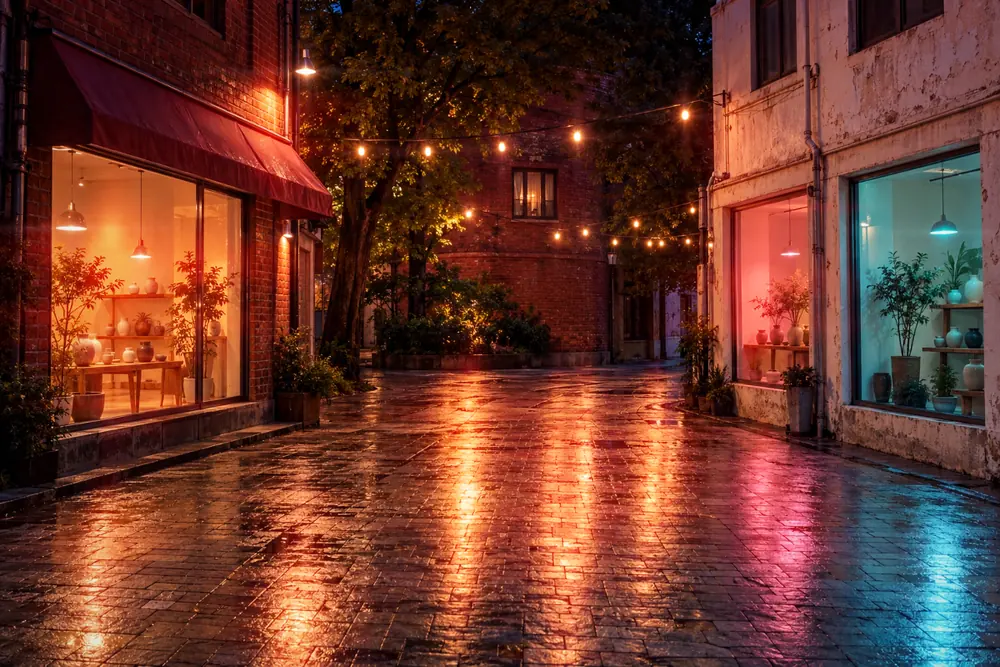 Chungjang-roNeon signs pouring over Chungjang-ro at night
Rendered by the app at intensity 75, glow 85 · times describe each filter’s mood.
02 — INTENSITY × GLOW
Color by intensity.
Light by glow.
This app has two sliders. Intensity sets color and texture; glow sets the light blooming from the bright spots. Drag the light across the pad to change both at once.
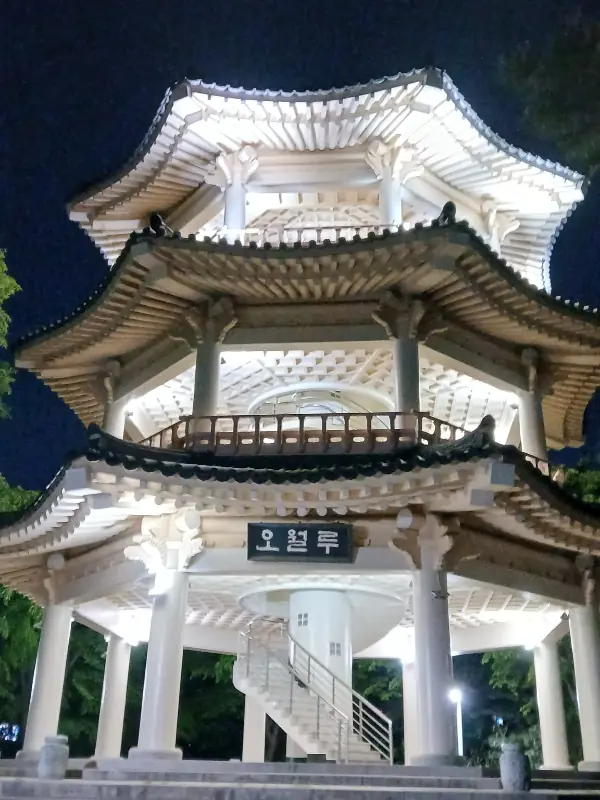
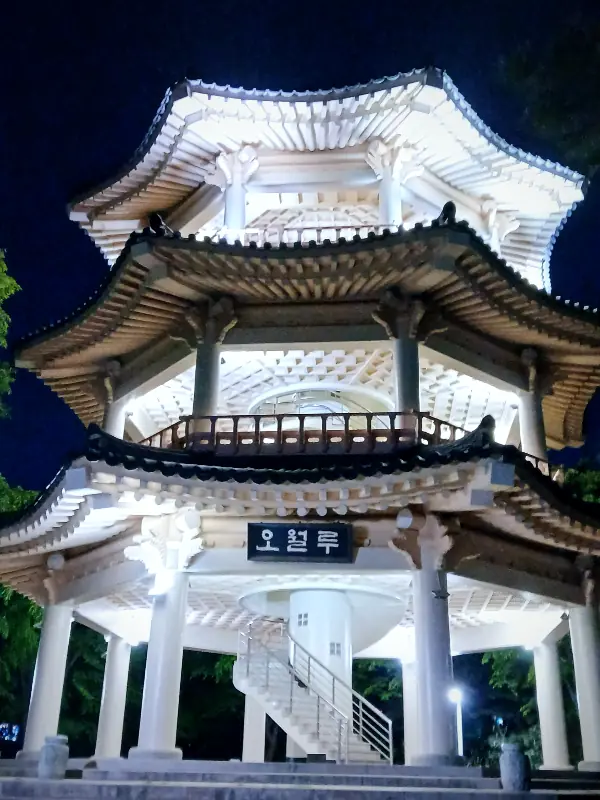
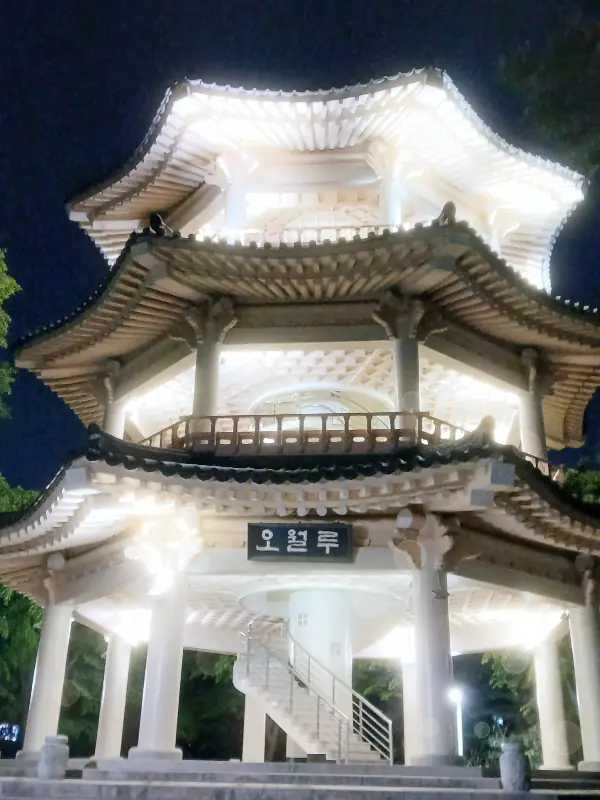
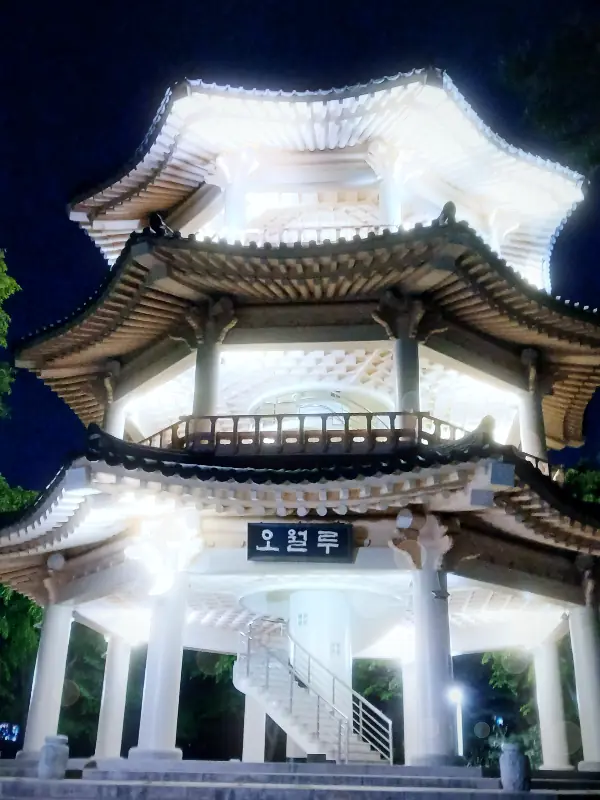
A web preview that blends results rendered by the app at the four corners (intensity and glow at 0 and 100). The app calculates every value live. The photo is the Owollu night view the app opens with.
Turn on JavaScript to change the filter and both sliders yourself.
03 — THE LIGHT ENGINE
Find the bright spots.
Let the light spread.
Unlike a painted-on overlay, the light engine responds to the photo. The same filter only glows where there is light.
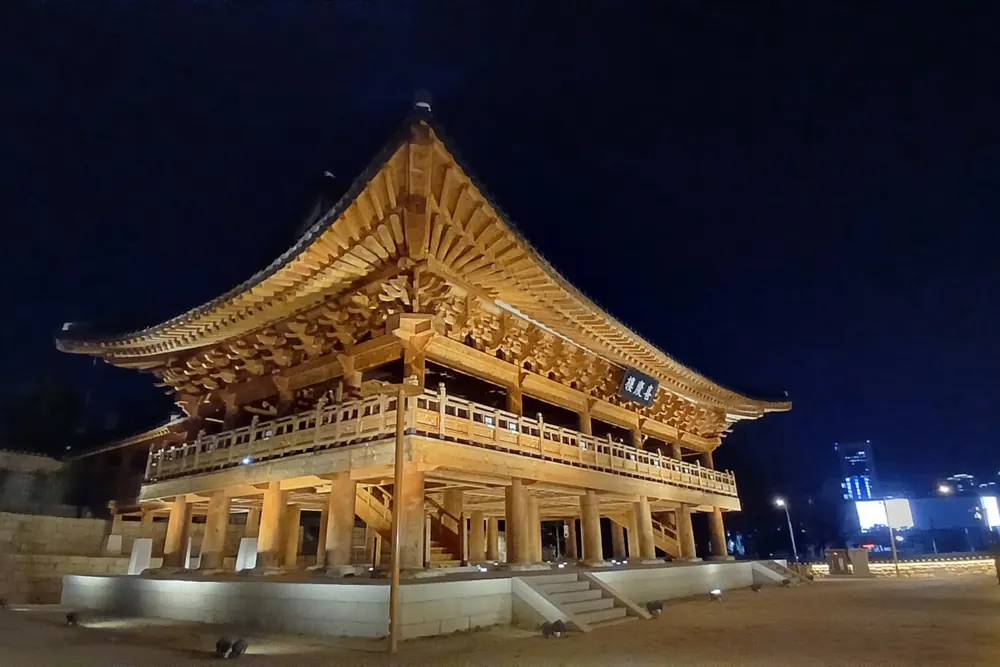
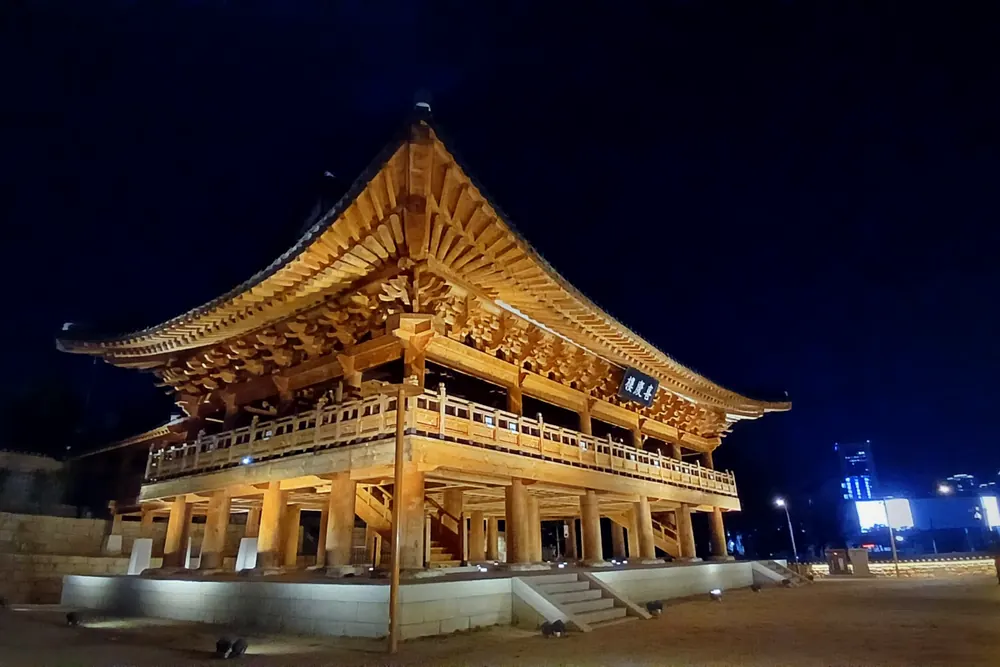
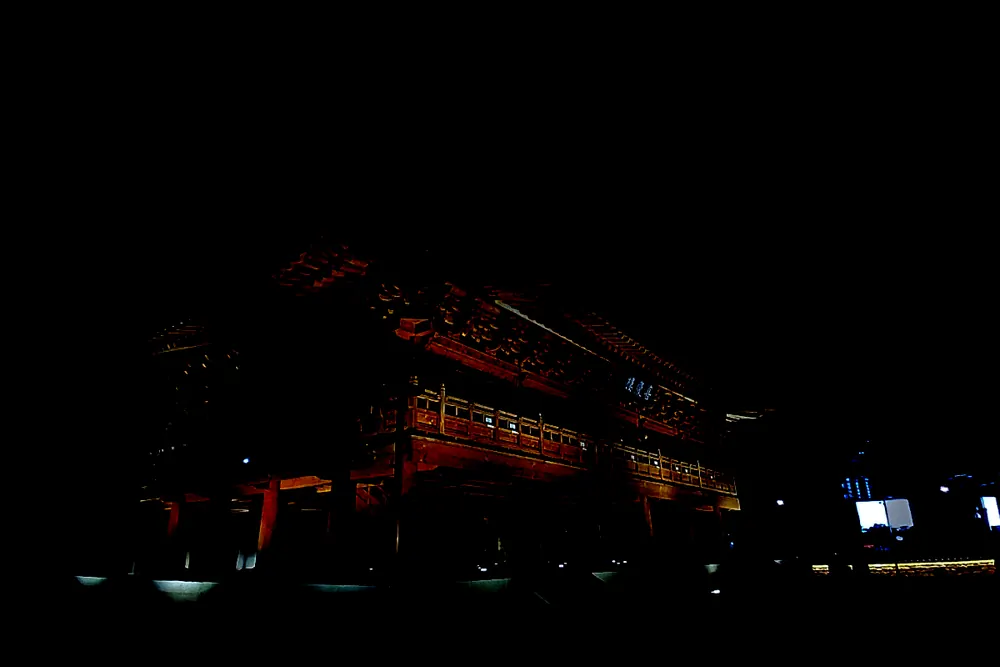
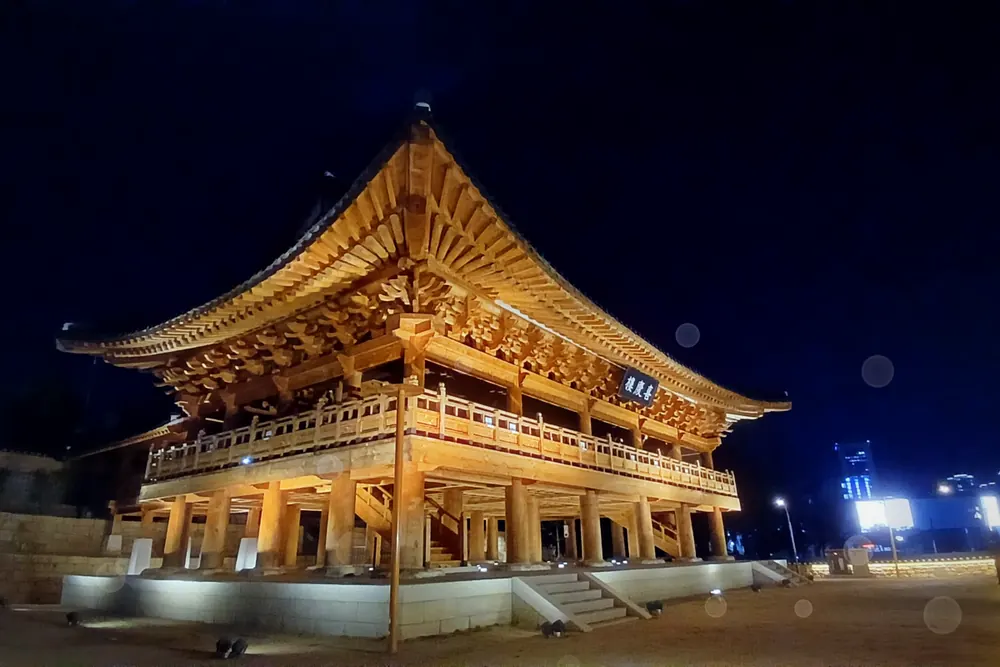
- 01
Grade it, then add punch
The filter’s color grade is applied by the intensity, then the photo is laid over itself in soft light, so brights get clearer and shadows deeper.
- 02
Pick out the highlights
Only what is brighter than a set level remains: here, the lit eaves and the lamps.
- 03
Let the light spread
The highlights are blurred into a glow. Stretch them one way for streaks, or cross two for a star.
- 04
Lay it over the photo
The glow is screened onto the photo, minus what is already bright, so a wide sky never washes out.
Huigyeongnu at night · Sajik filter · each stage uses the same functions as the app’s engine.
04 — STYLE
Eight styles
on the gallery wall.
Ink bleed, white frames, prism (chromatic aberration) and red halation: style filters from Gwangju’s alleys and galleries.
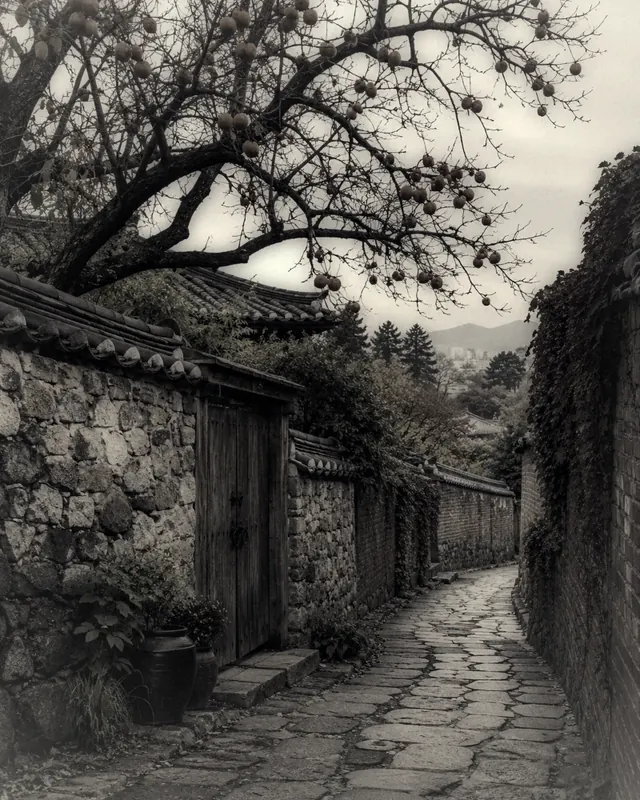
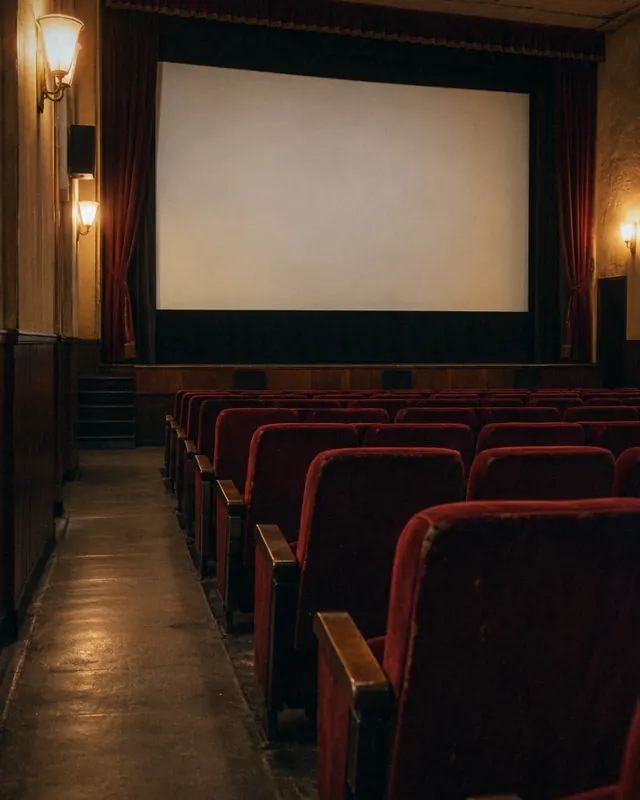
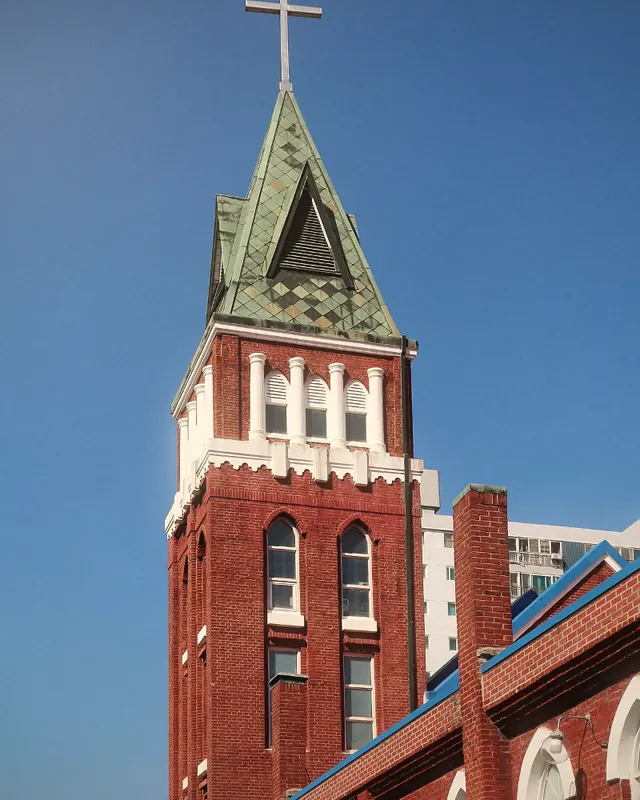
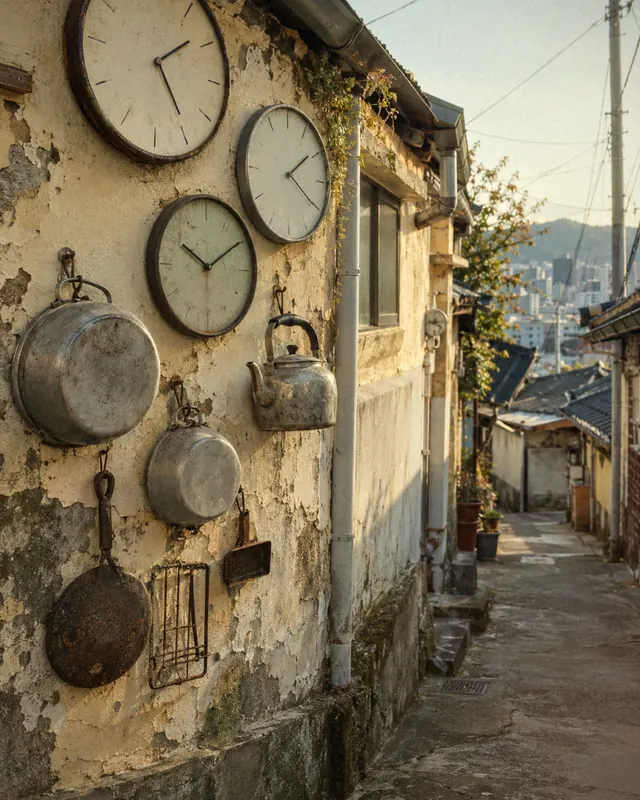
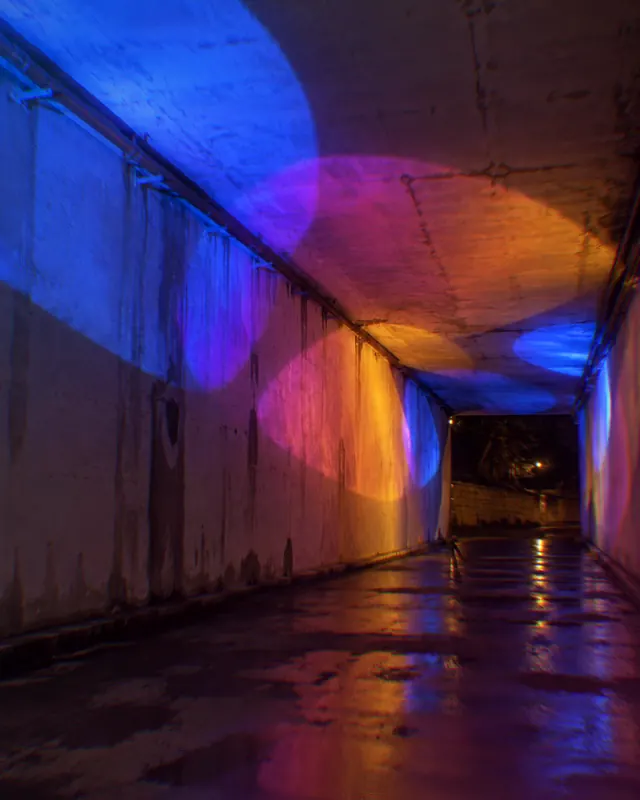

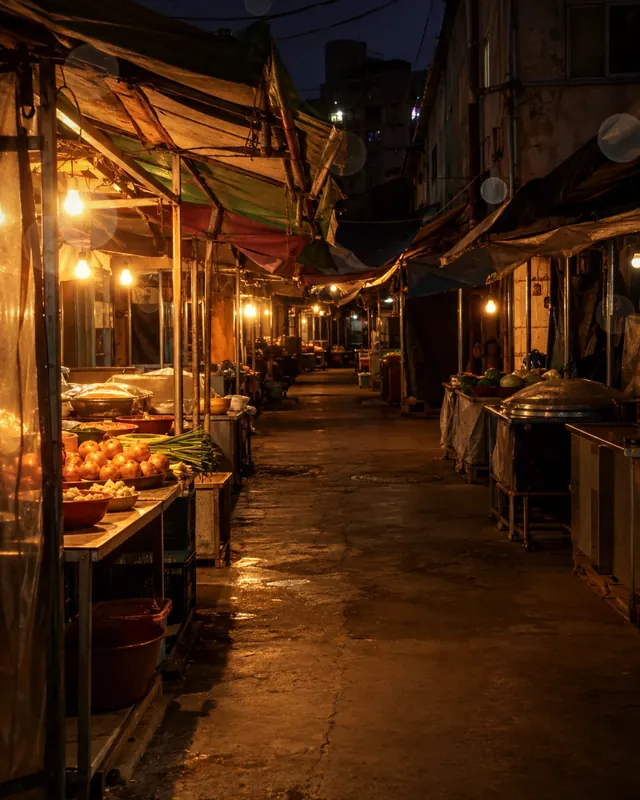
Rendered by the app at intensity 75 or more, glow 75
05 — TASTE
Sharp in the middle.
A full table.
Every taste filter softens the edges so only the food in the middle stays sharp. Pick a plate to bring it to the center.
TteokgalbiCharcoal-grilled Songjeong short-rib patties, glistening
Rendered by the app at intensity 80, glow 60
06 — THE APP
The photo up front.
The controls at hand.
The Light, Style and Taste tabs, the round filters and both sliders sit under the photo. Tap the handle under the photo to fold the filter panel away and see the photo larger.
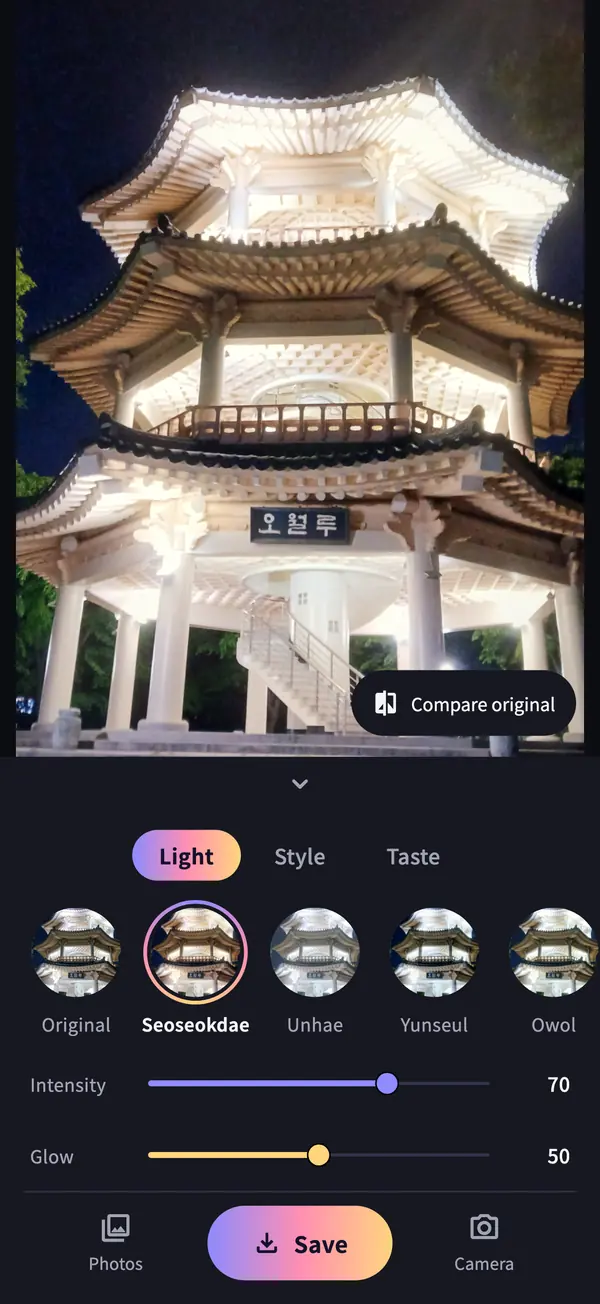
01Light · SeoseokdaePick Light, Style or Taste, then tap a round filter to apply it. 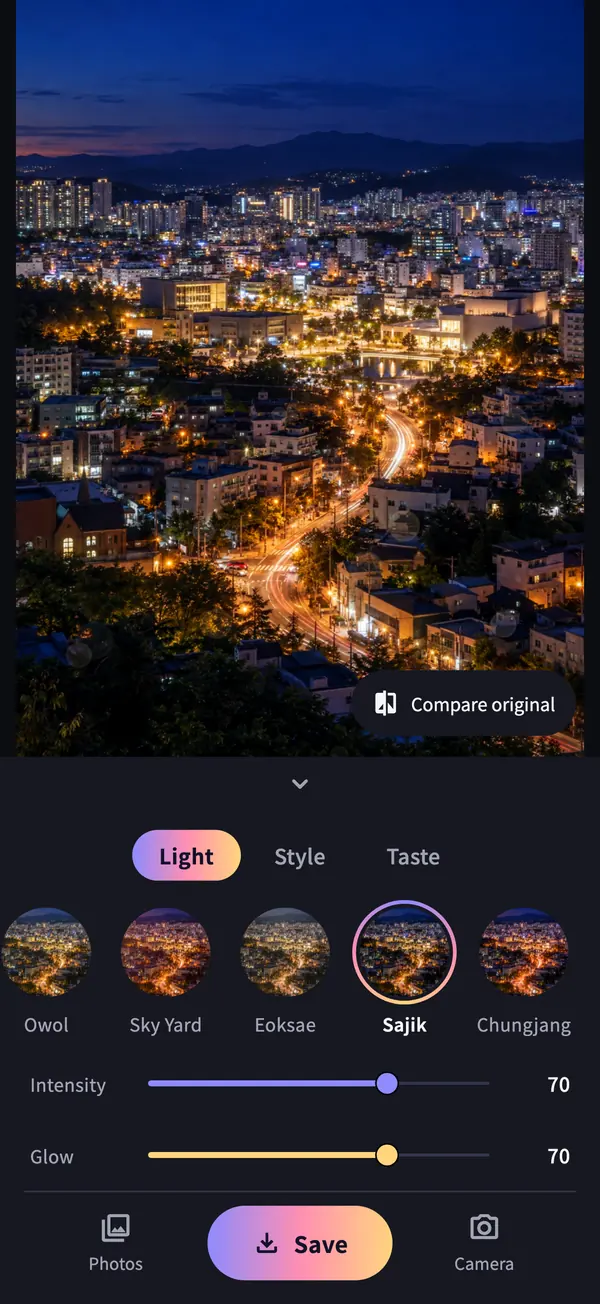
02Glow · SajikLight blooms only from the lights in a night photo. The Glow slider sets how far it spreads. 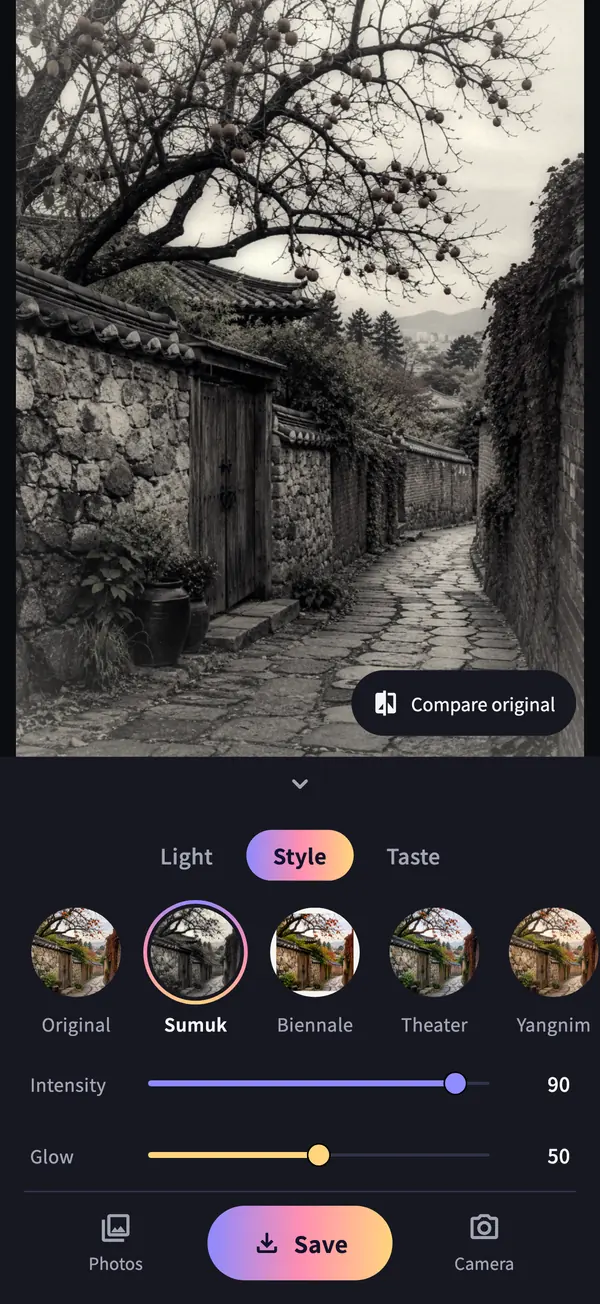
03Style · SumukInk-toned black and white. Style filters draw frames and texture too. 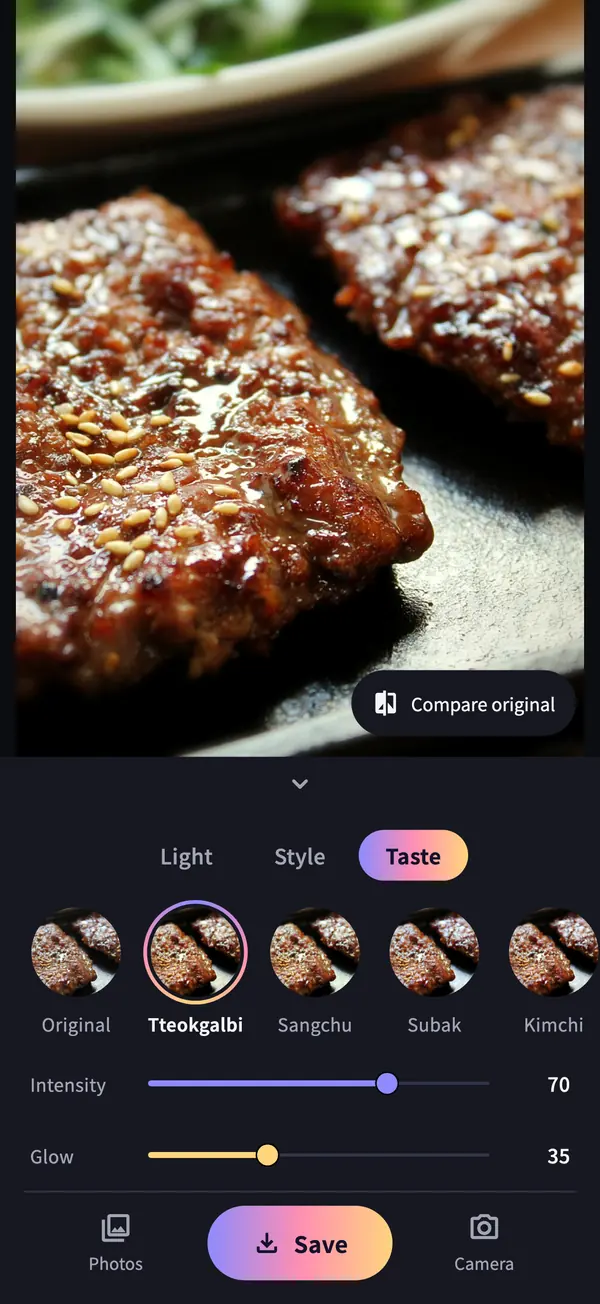
04Taste · TteokgalbiSharp in the middle, soft at the edges: filters made for food. 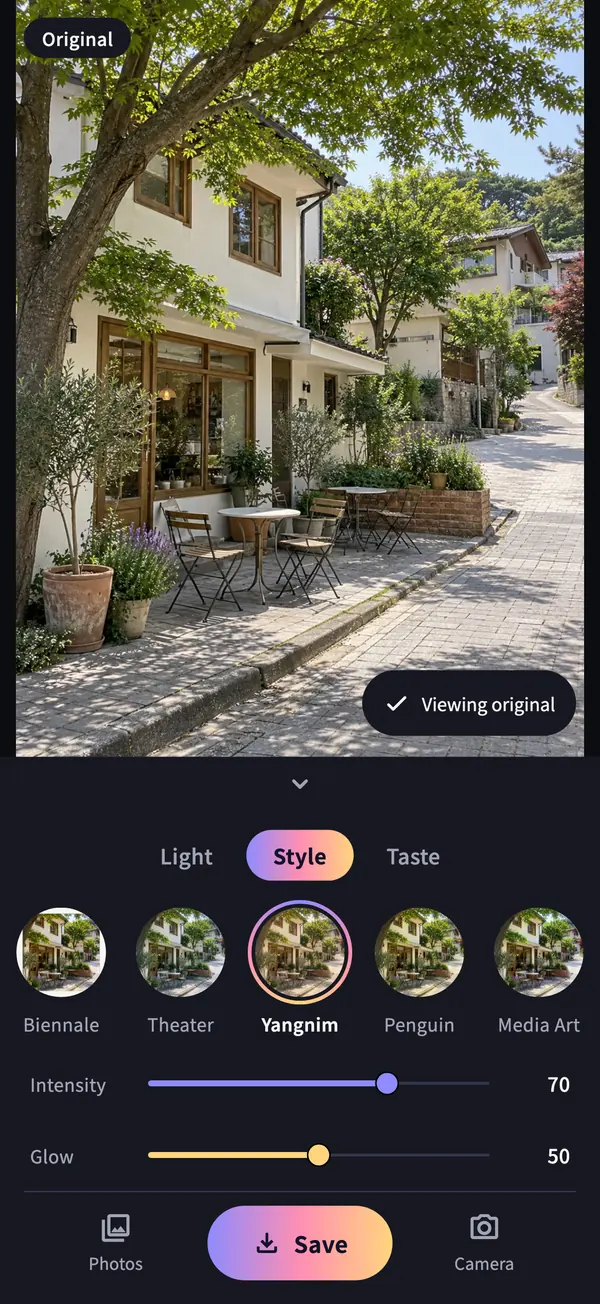
05Compare originalTap Compare original to keep the original on, or press and hold the photo. 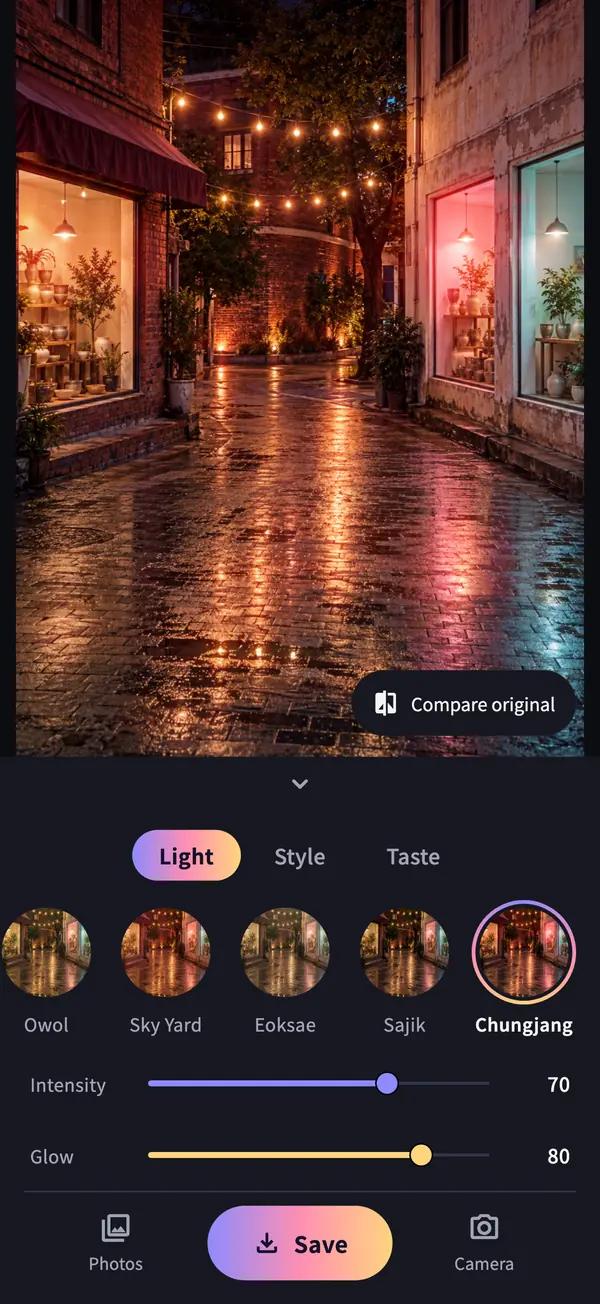
06Intensity and glowIntensity sets color and texture, glow sets the light, and each filter keeps its own while the app is open.
App screens: the app’s real editor, captured with the same scenes as its store images.
07 — GET STARTED
Your first frame:
Owollu at night.
- 01
Light, right away
The app opens with a night photo of Owollu Pavilion in May 18th Memorial Park, so you can try filters and both sliders before granting any permission.
- 02
Camera or library
Camera access is requested when you tap the camera button. The live view fills the screen with the filter and light applied. The shot keeps what was on screen, and you then see it exactly as it will be saved.
- 03
Save to Photos
Saving asks for permission to add photos and creates a new filtered photo. Your original stays untouched.

Bitgoeul Gwangju
iOS · Android
- Platforms
- iOS · Android
- Filters
- 24 · 8 light, 8 style, 8 taste
- Controls
- Intensity · glow (0–100 each)
- Saving
- JPEG · up to 4096 px long edge
- Languages
- Korean · English
- Account and ads
- None
A few useful answers.
How do intensity and glow differ?


Intensity sets the color grade, punch and texture (tint, vignette, grain, frames, edge blur). Glow sets the light blooming from bright spots and the light effects (leaks, rays, bokeh, sheen, prism). At intensity 0 and glow 50, colors stay original and only light is added.
Does the camera view match the saved photo?
The shot keeps just the part of the full-screen preview you saw. The live view does skip a few effects (removing light from already-bright areas, prism, edge blur), so it looks a little brighter. After the shot you see the photo exactly as it will be saved, and can fine-tune it there.
Do I need an internet connection?
No. Shooting, filters, light effects and saving all happen on your device, so every feature works offline.
Will my original photo change?
No. Originals in your library stay as they are, and the filtered photo is saved as a new one. Photos taken with the camera are saved only when you tap Save, with the filter applied.
Does the saved photo keep location data?
The JPEG the app creates does not carry over metadata from the original, such as location.
Does it need the microphone?
No. The app never records sound, so it does not ask for microphone access.
The photos in the filter previews and app screens are CC0 photos and AI-generated images made from text alone. The AI-generated images and the tteokgalbi, watermelon and kimchi photos were not taken in Gwangju.
YOUR PHOTOS, EXPLAINED
The light goes in the photo.
The photo stays with you.
Photos are processed on your device. No account, no ads, and nothing is uploaded.
- No account, ads, or analytics
- No photo or usage uploads
- Camera only after you tap the camera button
- Saved to Photos only when you tap Save

A few more little companions
All apps


LET’S SAY HELLO
Little ideas.
Lovely conversations.
An app idea, a question, or something that could be better.
I’d love to hear from you.